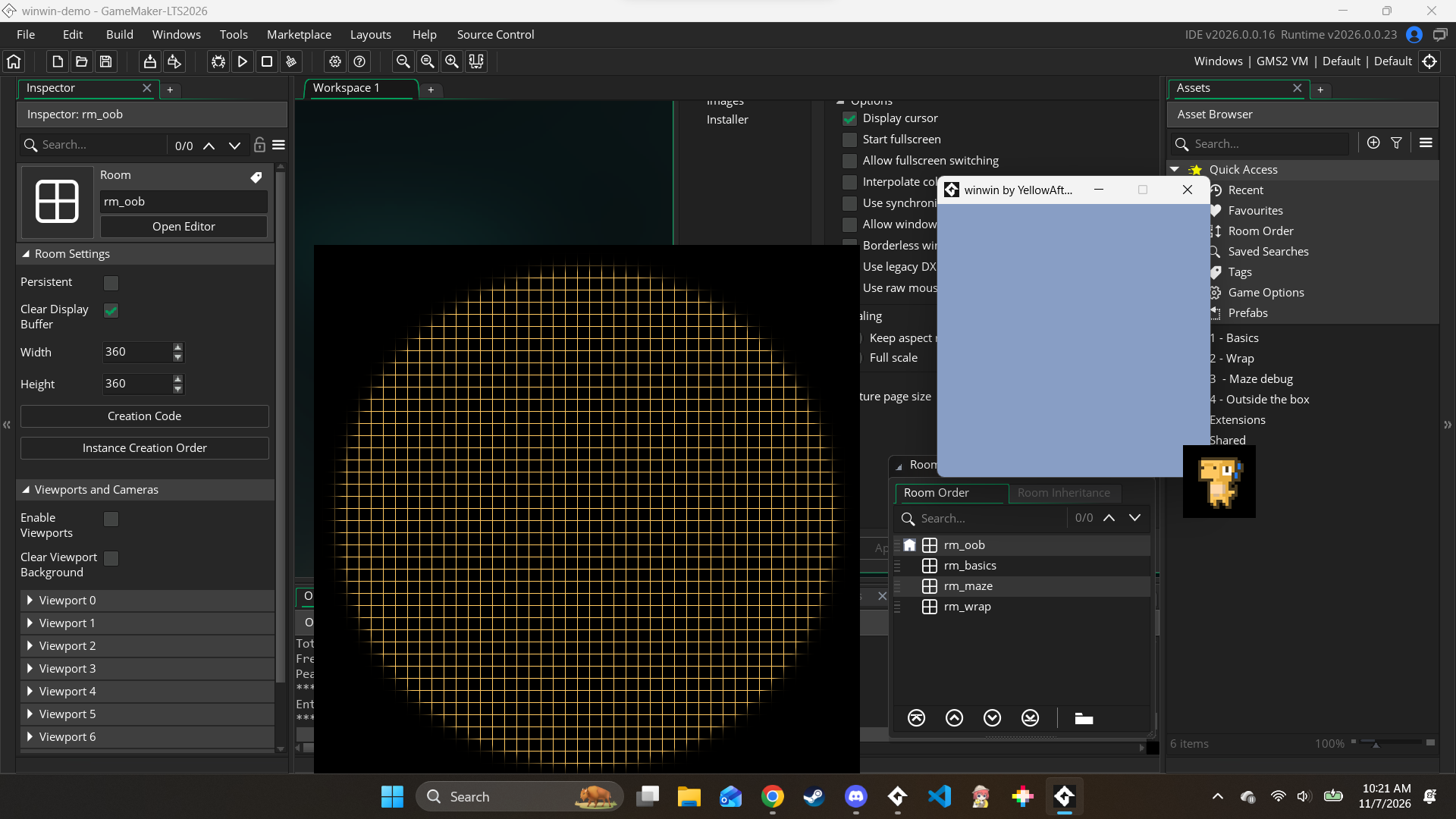
I haven’t updated the docs for Windows’ Windows yet, but see here - you need to tick the “Use legacy DXGI_SWAP_EFFECT_DISCARD” checkbox in Game Options ➜ Windows ➜ Graphics for this to work now.
The square still seems to persist even after toggling the option on (using the official demo for reference). Any other ideas on what could be wrong? I'm at a total loss for what to do here...
See the “Windows 11” sub-section - depending on your system, you may need to disable “optimizations for windowed games” for transparency to work when running from GameMaker.