

Indie game storeFree gamesFun gamesHorror games
Game developmentAssetsComics
SalesBundles
Jobs
TagsGame Engines
(1 edit)

Hi, thank you for explanation. It seems that the resolution of the workbench really does affect the frame rate on the graphics card. My default resolution is 800×600, 32-bit. When the game is running at this resolution, I get the following results:

  • RTG PAL - 10 fps
  • RTG Full Screen - 10 fps
  • RTG 4:3 - 10 fps
  • RTG schnell - black screen, I have to reboot
  • RTG Auflösung…
  • ZZ9000:1920×1080 8-bit - 10 fps
  • ZZ9000:320×200 8-bit - 10 fps
  • AGA - 25 fps

When I change the workbench resolution to ZZ9000:320×200 8bit, I get these results:

  • RTG PAL - 24 fps
  • RTG Vollbild - 24 fps
  • RTG 4:3 - 24 fps
  • RTG schnell - screen output ok - 24 fps
  • RTG Auflösung…
  • ZZ9000:1920×1080 8bit - 4,5 pfs
  • ZZ9000:320×200 8bit - 24 fps
  • AGA - 25 fps

I've also run into two other issues. When I go back to the game menu from the game, the sound—or rather, the music—gets messed up, and when I completely exit the game, the mouse cursor also acts up a bit, as shown in the image. I'm using your latest version, 1.2.
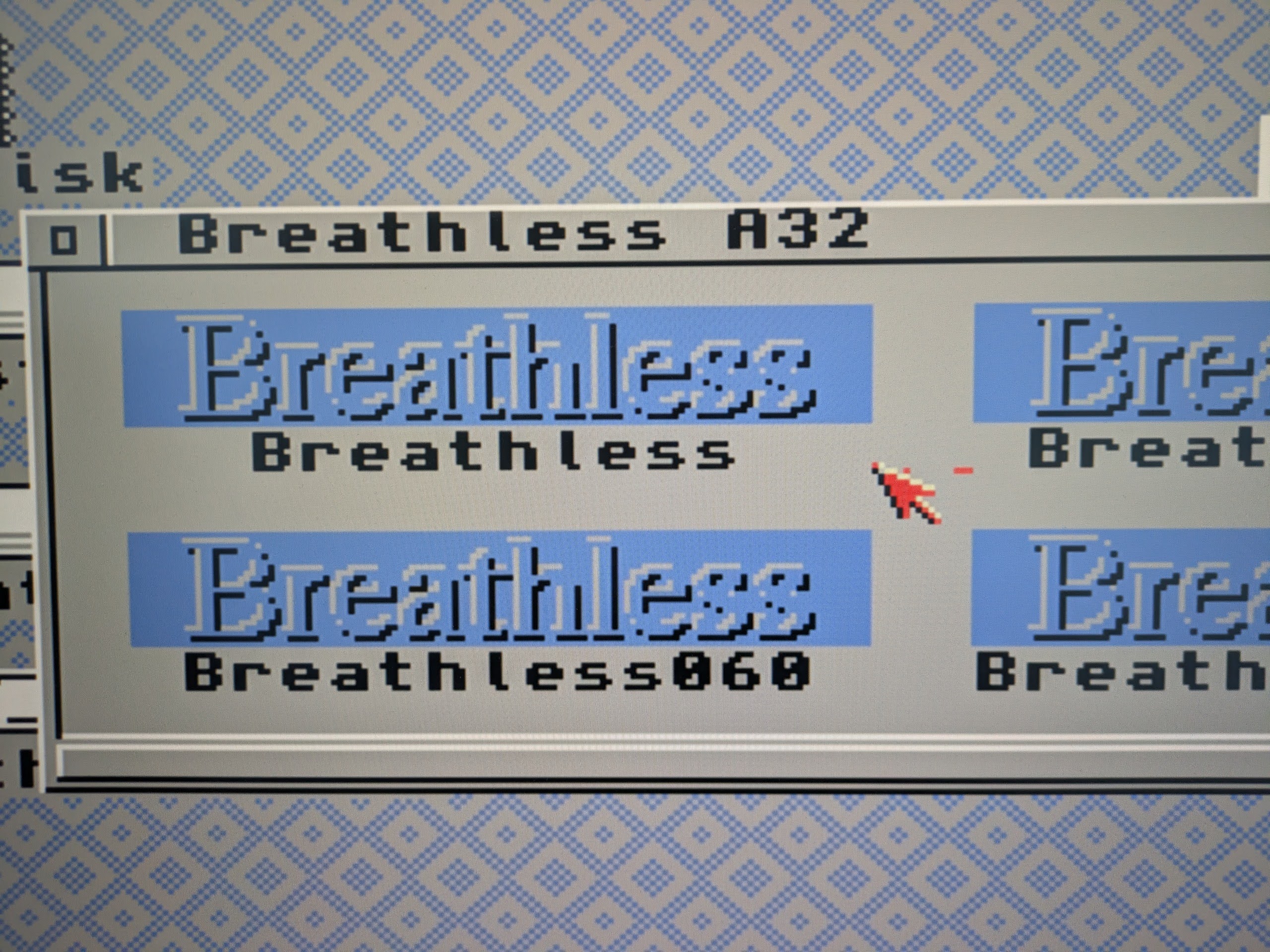
I didn't create the resolution myself.

I also tried the ZZ9000 resolution:

  • 640×480 8-bit - 14 fps
  • ZZ9000:320×240 8-bit – 23 fps

These values are the same whether I run the game at a resolution of 800×600, 640×480, or 320×240 (all via the graphics card).

Hi, thanks a lot for testing so thoroughly, your numbers helped a lot!

They show exactly where the limit is. With a graphics card, the CPU is not the bottleneck but the amount of data that has to go over the Zorro bus to the card for every frame. 320x240 is about 77 KB per frame, 640x480 about 300 KB, 800x600 about 470 KB and 1920x1080 about 2 MB. Your results work out to roughly 8 to 9 MB/s, which is why the fps drop almost exactly with the resolution. That is also why the Workbench resolution only matters when the game uses it for its own screen.

Version 1.3 is now online:

  1. The black screen with “RTG schnell” is fixed. The game now only picks screen modes the card can really display. If the RTG screen still cannot be opened, it asks whether to continue with AGA instead of running invisibly, so no more reboot.
  2. WASD with mouselook is now the default control mode. If you already have a saved config, your old setting stays, so switch to FPS_WASD in the CONTROLS menu.

For the best speed on the ZZ9000, choose “RTG Auflösung...” and pick a 320x240 8 bit mode. That gives you the 23 to 24 fps you measured, which is about AGA level.

About the music and the mouse pointer, I would like to fix those too. Unfortunately the image you mentioned did not come through here. Could you upload it again, maybe to imgur? And a few questions:

  1. Music: what exactly happens? Wrong speed, wrong instruments, noise, or does it stop? Does it also happen with AGA, or only with RTG?
  2. Mouse pointer: is it garbled, invisible or in the wrong place? Does it go back to normal after a while, or only after a reboot?

Thanks again for your help!