

Indie game storeFree gamesFun gamesHorror games
Game developmentAssetsComics
SalesBundles
Jobs
TagsGame Engines

spin xiv

3
Posts
3
Topics
A member registered 18 days ago · View creator page →

Creator of

Recent community posts

If you keep weapons, enemies, items or strings in a spreadsheet and export them as CSV, it is easy to lose track of what actually changed between two builds: a price that was edited by mistake, a description that went blank, a row that silently disappeared.
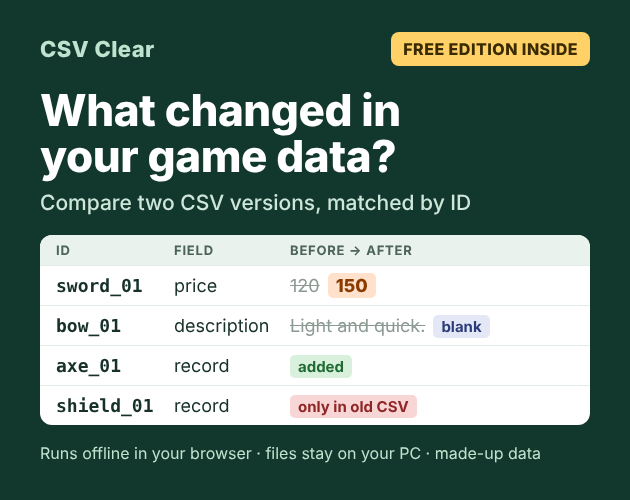
CSV Clear: what changed in your game data

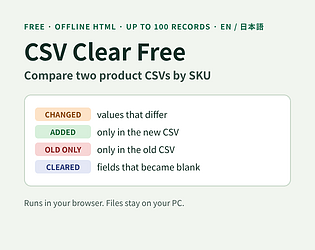
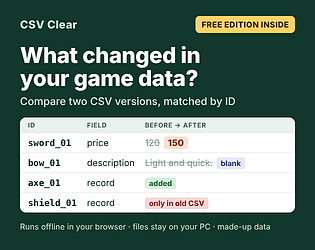
CSV Clear compares an old and a new CSV, matched by an ID column (or two), and lists:

  • every changed cell, with the old and new value,
  • fields that became blank,
  • rows that were added, and rows that are only in the old file,
  • columns that were added or dropped.

You can save the result as a CSV or JSON report. It is one HTML file that runs offline in your browser; your files are not uploaded.

The free edition (up to 100 records per CSV) is on the page. The full version without that limit is a paid download on the same page.

Good to know: values are compared as text, so 10 and 10.0 count as a change. It does not check translations as such (for example, whether a translation was updated when the source text changed). Tested in headless Chromium; Firefox and Safari are not tested yet.

Step-by-step example with a made-up item table: How to see what changed between two versions of your item table

Made with the help of AI (code and text). Feedback on what is missing for your own data files is very welcome.
Page: /__site/spinxix.itch.io/csv-clear

If you cut a long video (a stream VOD, a lecture, a recorded devlog) into chapter clips, the subtitles have to be cut too, and each clip's subtitles need to start at 0:00 again. Doing that by hand in a subtitle editor is slow and easy to get wrong.

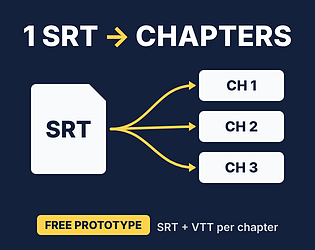
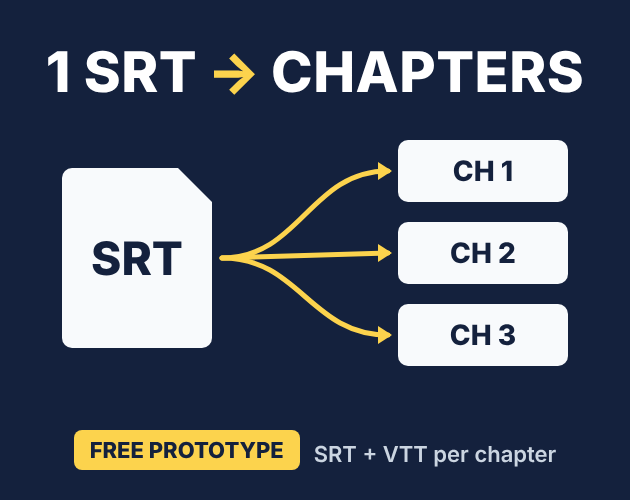
One SRT file split into chapter files

SRT Splitter does it in one step: paste your SRT and a YouTube-style chapter list ("0:00 Intro", "12:34 Combat", ...), preview each chapter, and save one ZIP with an SRT and a VTT file per chapter, each starting at 0:00.

  • A subtitle that crosses a chapter start is trimmed into both chapters, and the tool asks you to approve that before saving.
  • The text, tags and line breaks inside each subtitle are kept. Numbers are renumbered.
  • It is one HTML file that runs offline in your browser. Your subtitles are not uploaded.
  • Free (pay what you want if it helps).

Limits: UTF-8 SRT input only (up to 2 MiB / 20,000 subtitles). Tested in headless Chromium; Firefox and Safari are not tested yet. The interface is in Japanese and English.

A step-by-step guide is in the devlog: How to split one long SRT into per-chapter subtitle files

Made with the help of AI (code and text). Feedback on what breaks or what is missing is very welcome.

Page: /__site/spinxix.itch.io/subtitle-cut-desk-chapter-split-prototype

(2 edits)

CSV Clear is now available in early access on itch.io for JPY 1,480 or more. A free edition (up to 100 records per CSV) is on the same page. It is a downloadable utility that runs locally in your browser for working with UTF-8 CSV files.

You can clean CSV data, save reusable JSON recipes, and compare two snapshots using one or two key columns. The current ZIP release is version 1.1.2.

If your workflow involves repeated CSV cleanup or checking what changed between exports, the product page explains the current scope:
/__site/spinxix.itch.io/csv-clear

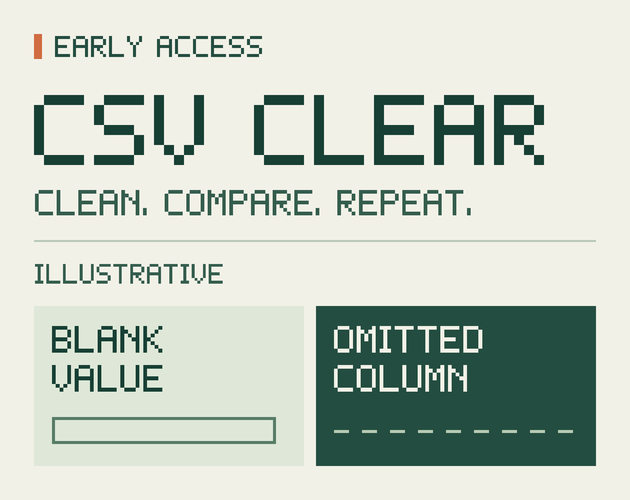
CSV Clear — Early Access. Clean. Compare. Repeat.

If you compare two CSV exports, what checks still require manual work with your current Excel or other workflow? What information is missing from this page for you to judge whether CSV Clear fits that work? No purchase or file sharing is needed.