
Indie game storeFree gamesFun gamesHorror games
Game developmentAssetsComics
SalesBundles
Jobs
TagsGame Engines

silvercricket

83
Posts
6
Topics
5
Followers
A member registered May 02, 2021 · View creator page →

Creator of

Recent community posts

posting it here and editing it into my initial post, there will be a hiatus of feature developments but I'm not leaving the project, I'm leveling it up:

/t/6888630/maryanneette-definitive-25d-simulated-graphics-with-sh...

In an attempt both to make my game stand out and advance my skills as a shader developer, I will be turning the game 3D, without using the 3D engine, rendering it entirely through shaders, and porting the whole system onto an html Build, can't guarantee it will work on Itch, but prototypes already run smoothly on newgrounds preview. 

My developments will be public, and when the core feature is finished, I will turn it into an open source plugin, so if any of the stuff I develop looks useful to anyone, by all means, take it. 
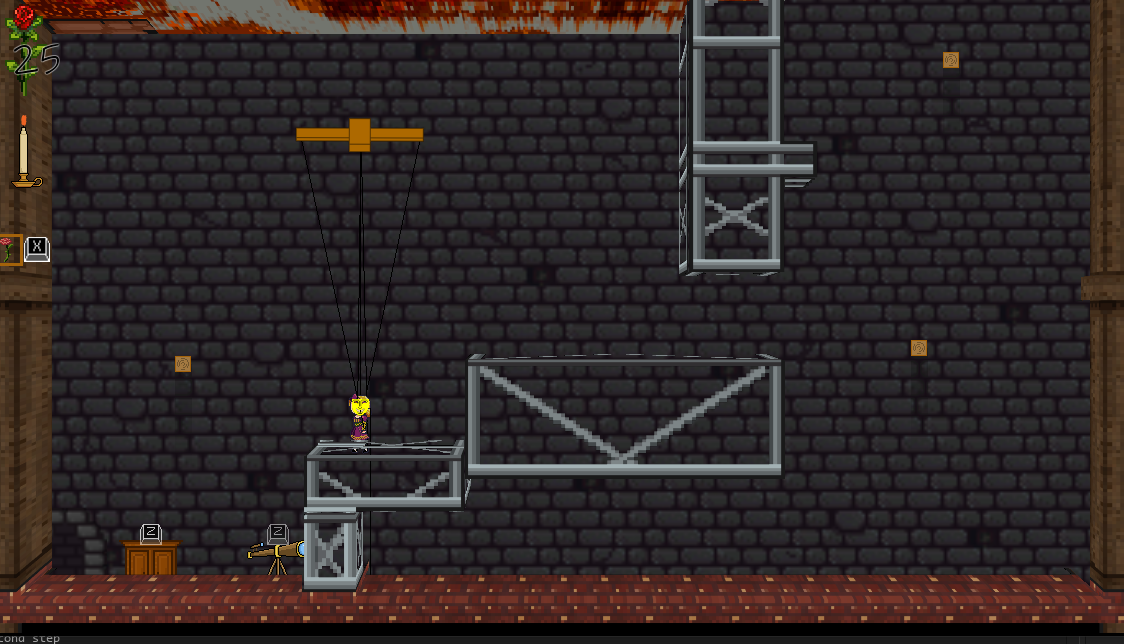
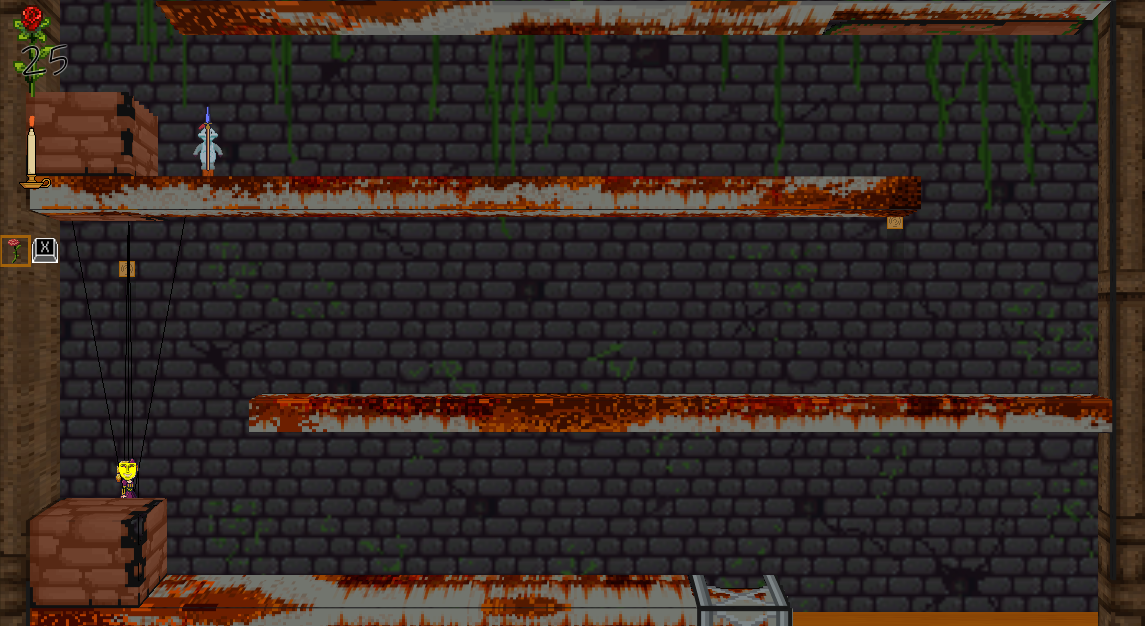
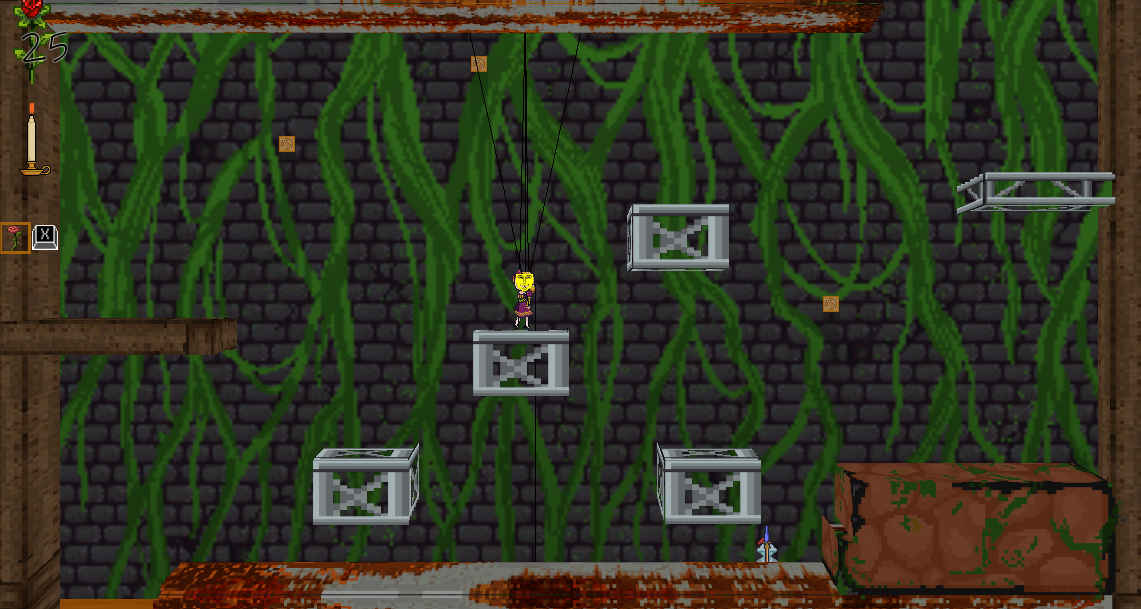
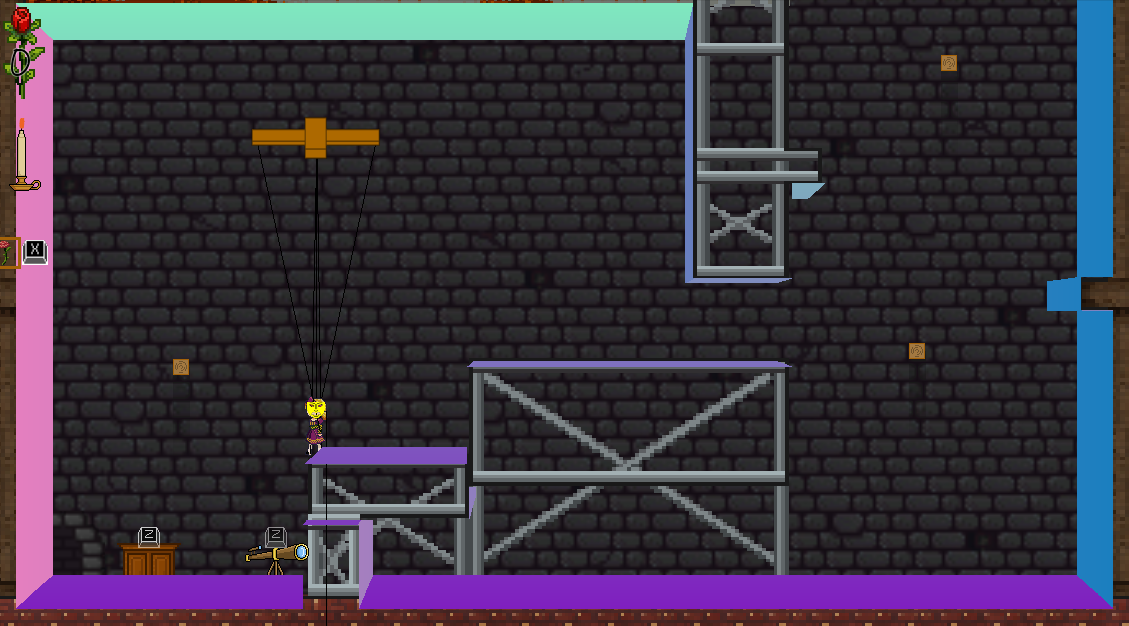
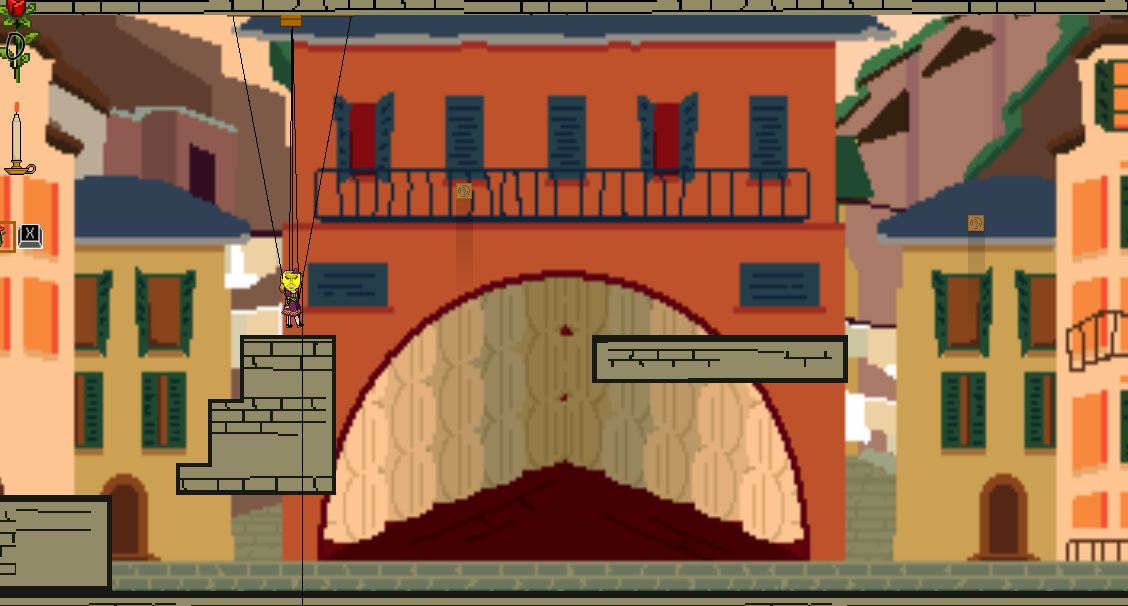
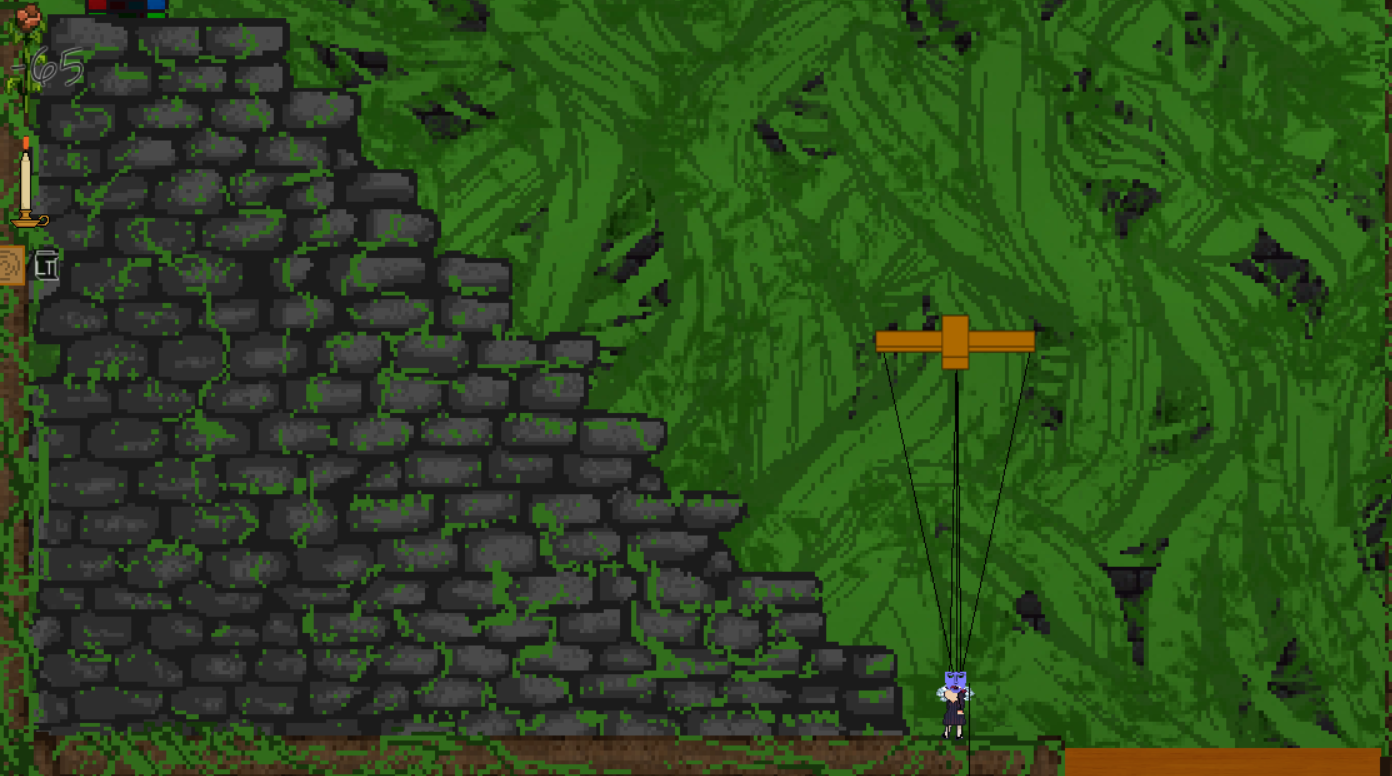
as for how it looks, well, its still very rough, and only accounts for rectangular surfaces but:


Every now and then a smaller surface will have a little "wing" or something similar:

this notably happens on smaller surfaces most often, it might be due to a bug in my shader, but I also suspect its an issue with smaller surfaces interacting with that rule for depth, and as this shader exists currently, it can't account for objects of differing depth. Still, I'll keep posting and developing. That's all for now!

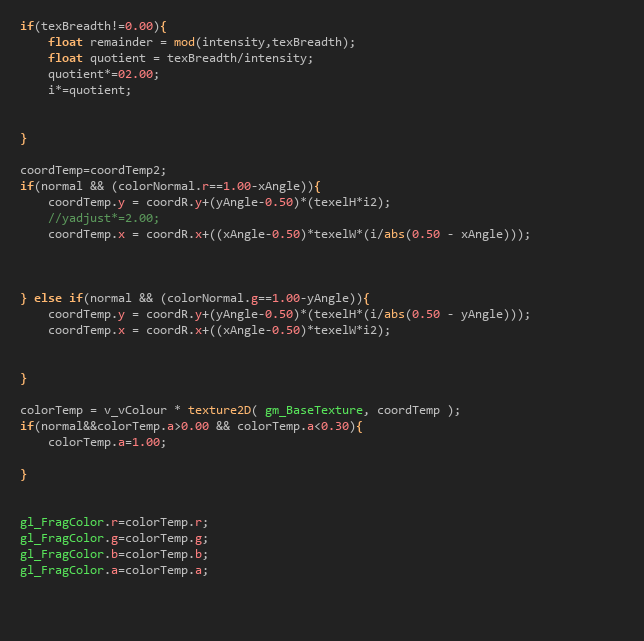
next the shader checks it texBreadth has been set to a value other than its default, and if so sets the reach for the texture to pull from a distance shorter, proportional to how short texBreadth is compared to intensity


then those values finally are used to pull from the right half of the texture page, exactly which pixel needs to be used to fill in the texture at that point.

this next part is where a lot of the new complexity comes in. 

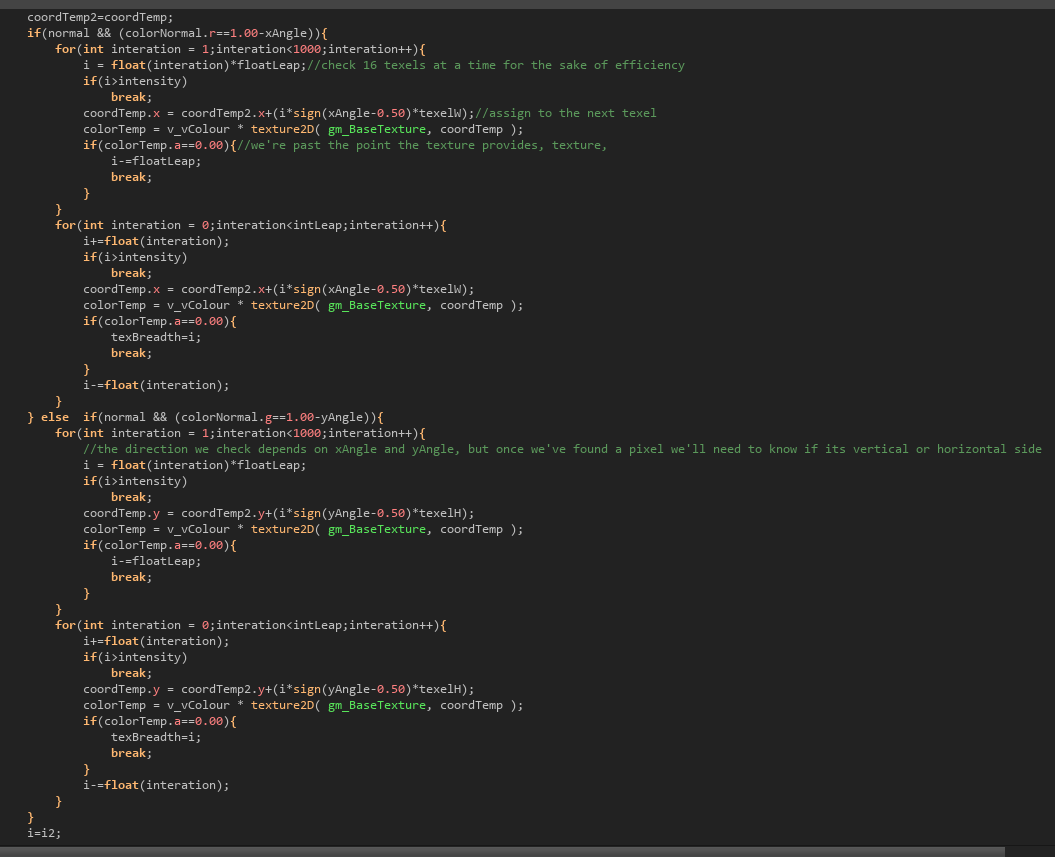
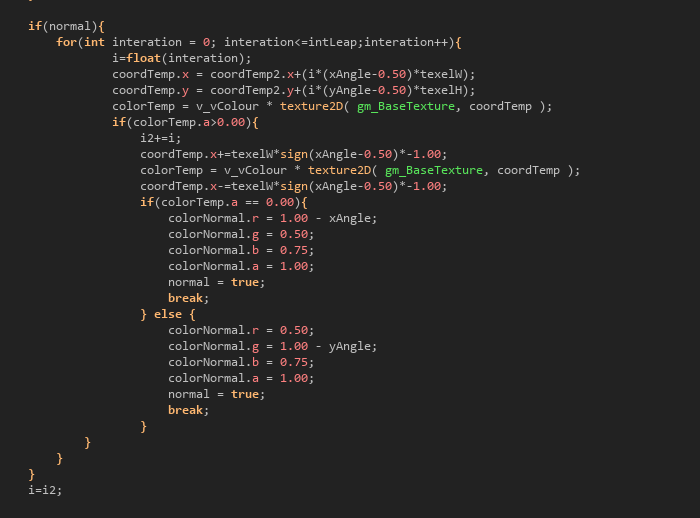
these for loops inside an if else statement measure either the width or height of the texture before it runs out, if there's plenty of texture it will simply copy until whatever number intensity was set to has been reached, otherwise, the number of texel distance is recorded on a float variable called texBreadth.

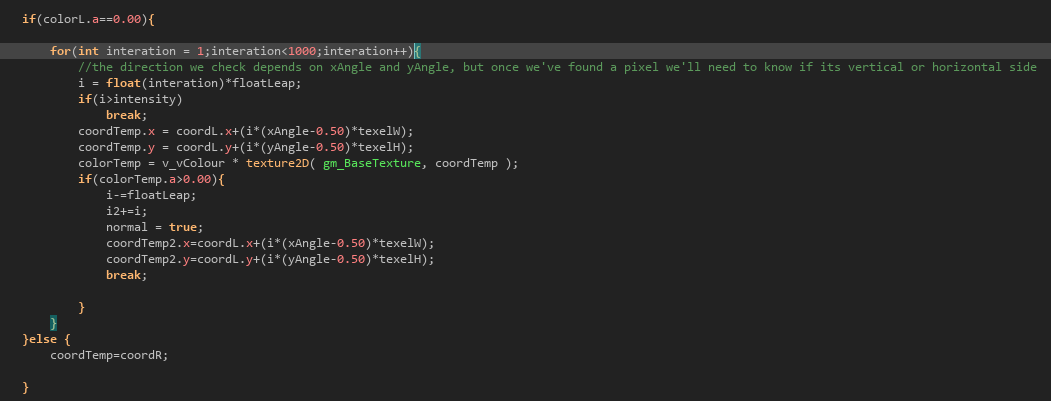
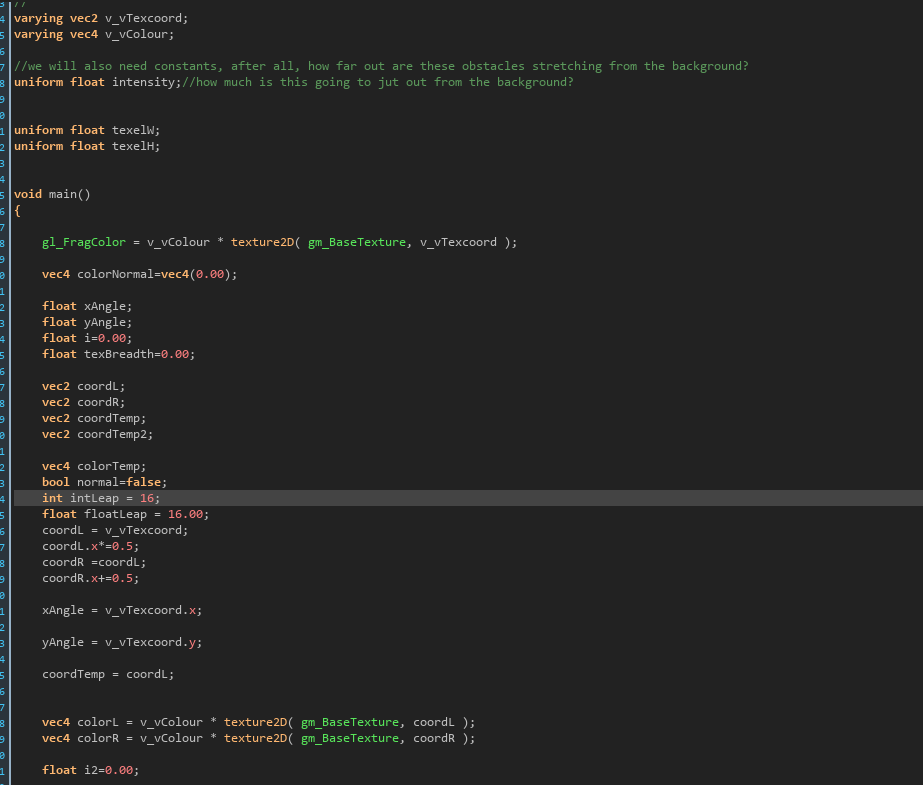
here there's something more similar to what we had last time, simply finding the first pixel along that ray that exists on a solid surface, and then storing those color values on a 4D vector. 

Our next step similar to last time checks if the current pixel is black, and if not, loads from the second half of the texture page, which would give us the textures we loaded in before, meaning that the solid surface is pulling directly from the texture to load the image outright. 

However this time around the check skips by 16 in the inverse direction the 3D images will be generated, when it finds a a solid surface in that direction, it steps back by 16 texels, records the point to coordTemp2, and sets normal to true, indicating that this pixel will be acting as part of a generated normal map. 

The shader itself is where the bulk of the change has gone, and I will try my best to explain every step of the process... 

our constants and variables are set, most significant this time around are coordL coordR (since the different texture resources are loaded onto different fields of the texture page we're drawing from, coordL is the left half, and coordR is the right half). also important is intLeap and floatLeap, which will be used for traversing for loops later on when we do ray tracing. 

back to the draw_end event, 


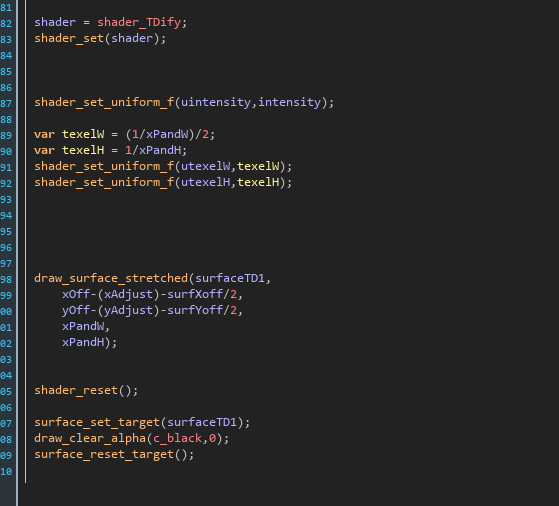
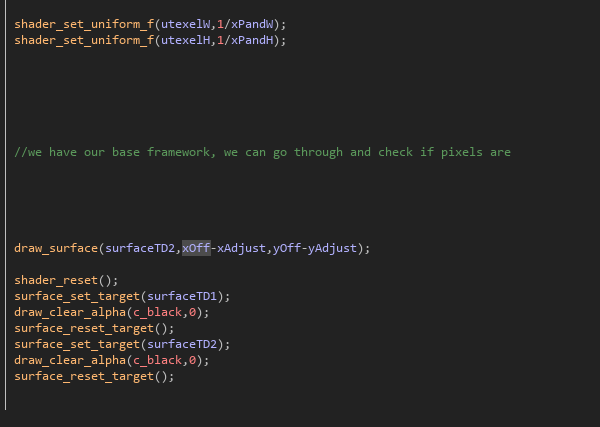
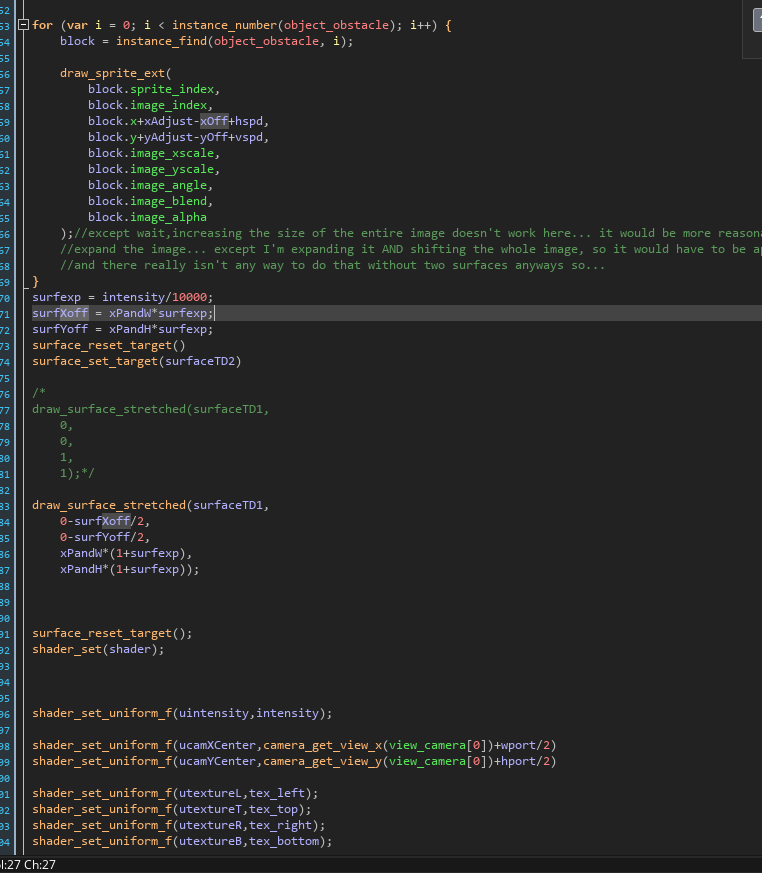
our surface target is now reset, our values loaded into our shader, and then that surface is drawn onto the application surface before being cleared.

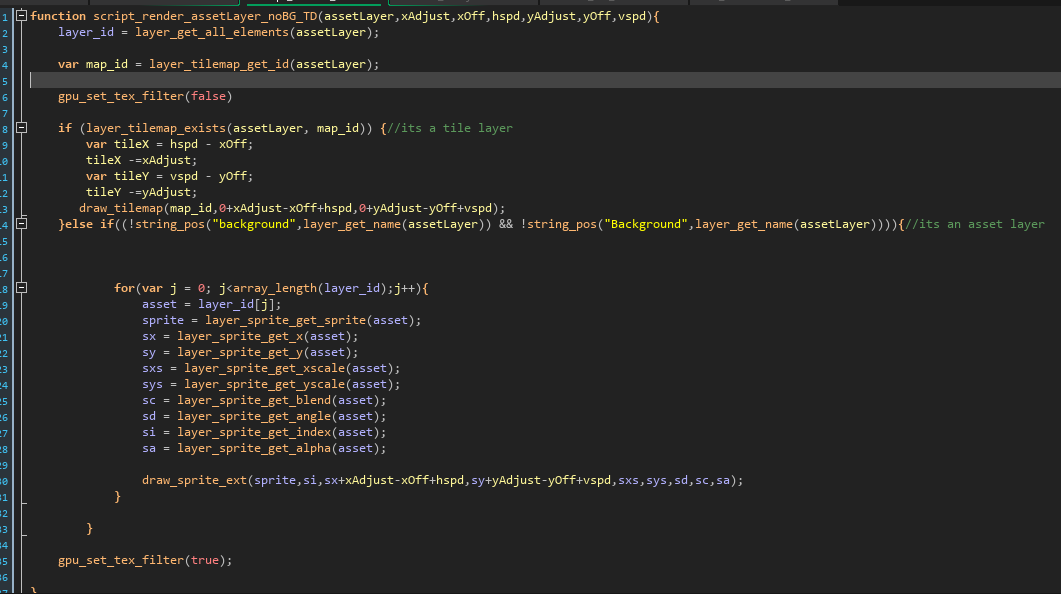
here's that function in full form, every one of these asset layers is stored inside an object object_AS_layer, one for each sprite/tile layer currently loaded in the room. 


(1 edit)

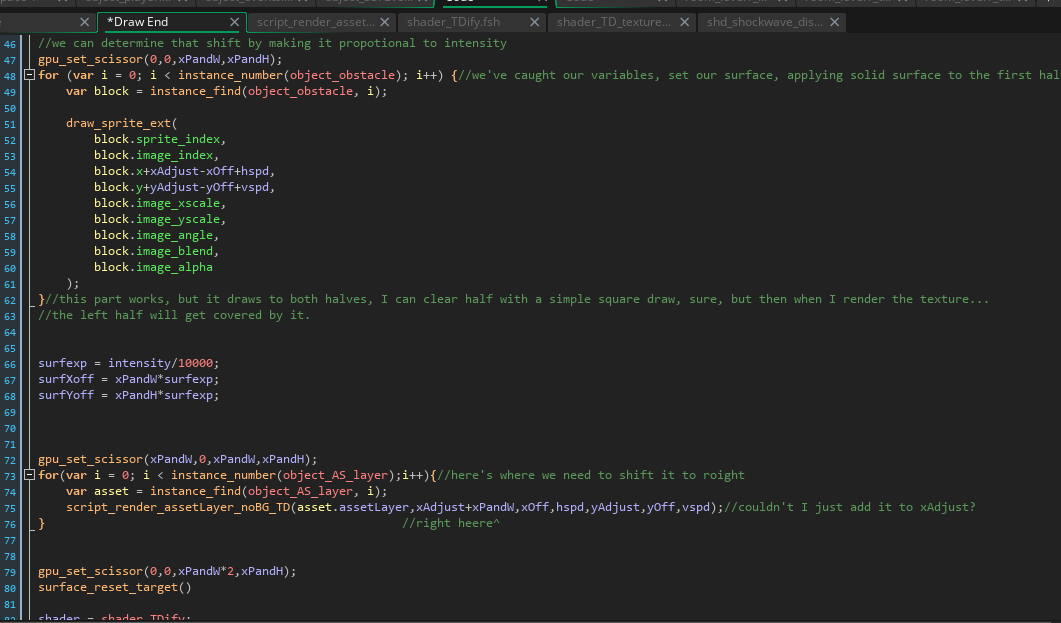
next we make use of a built in function to limit the range that textures can be drawn to, before drawing our solid surfaces, just like last time: 


the second for loop is new however it runs a custom function which renders textures from all the sprite/tile layers in the currently loaded room onto the second half of the texture page. 

the first major change is how the draw event works, a single surface is loaded which has all of the textures and assets drawn onto it, these act in large part as the resources the shader will actually use:


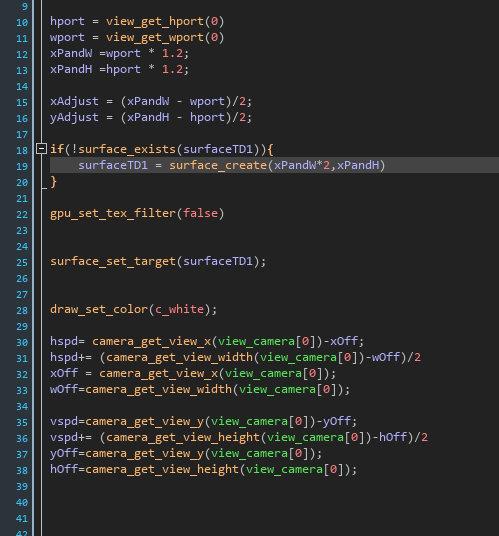
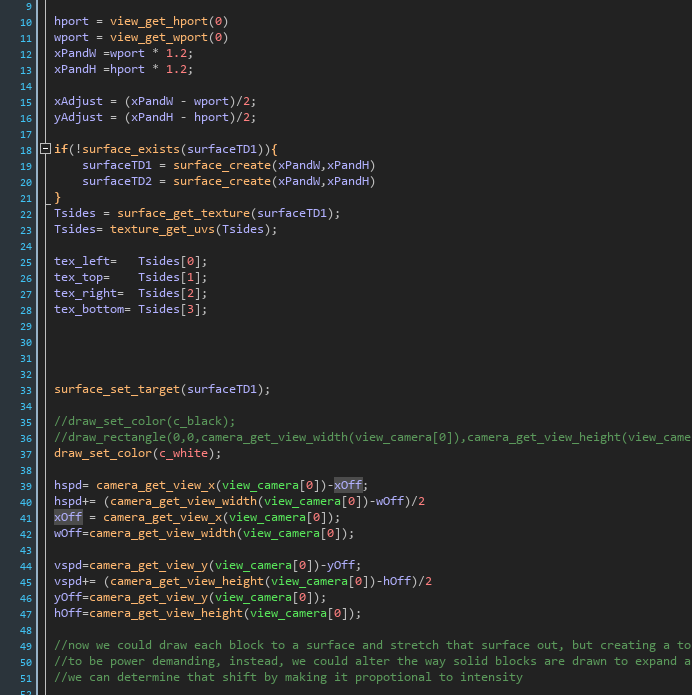
here I've set up the values for our camera position, as well as primed the surface for the first portion of our texture map.

Update, made some major progress, still have things looking a bit rough, but I also ironed out a lot of the "fluff"

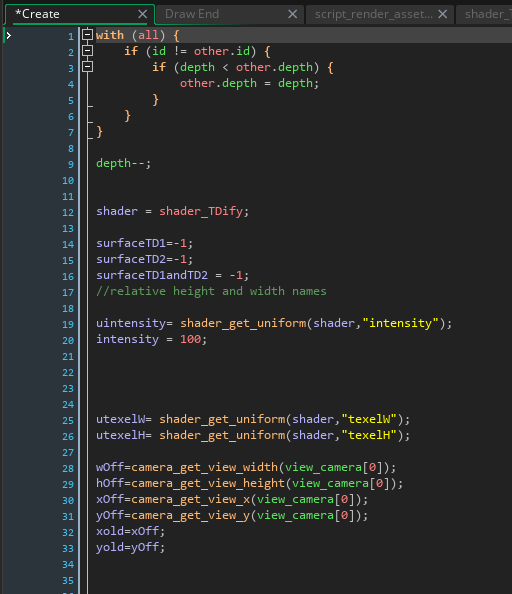
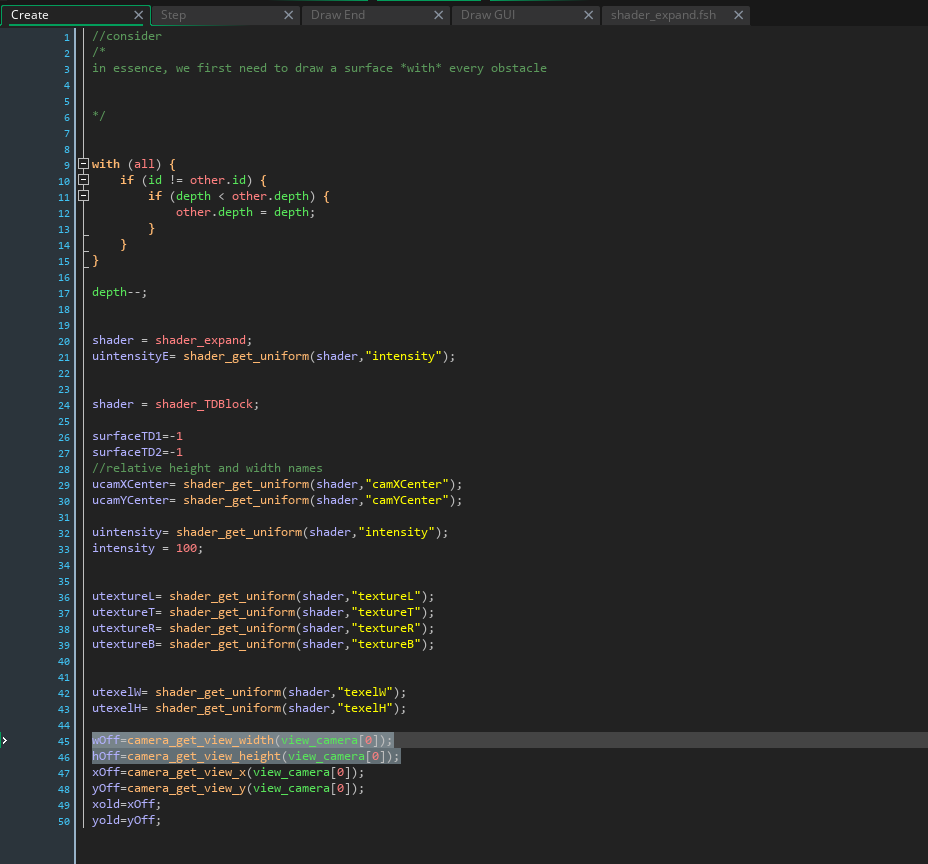
first, going over the create event as it exists now: 

a new shader based on the last one acts as the entire process for converting 2D graphics into 3D, currently only relying on 3 simple values, texelwidth/height and intensity, (which represents the level of depth an object has).

This is where it ends for now, but before I go I'll leave you guys with some images of how it currently looks:


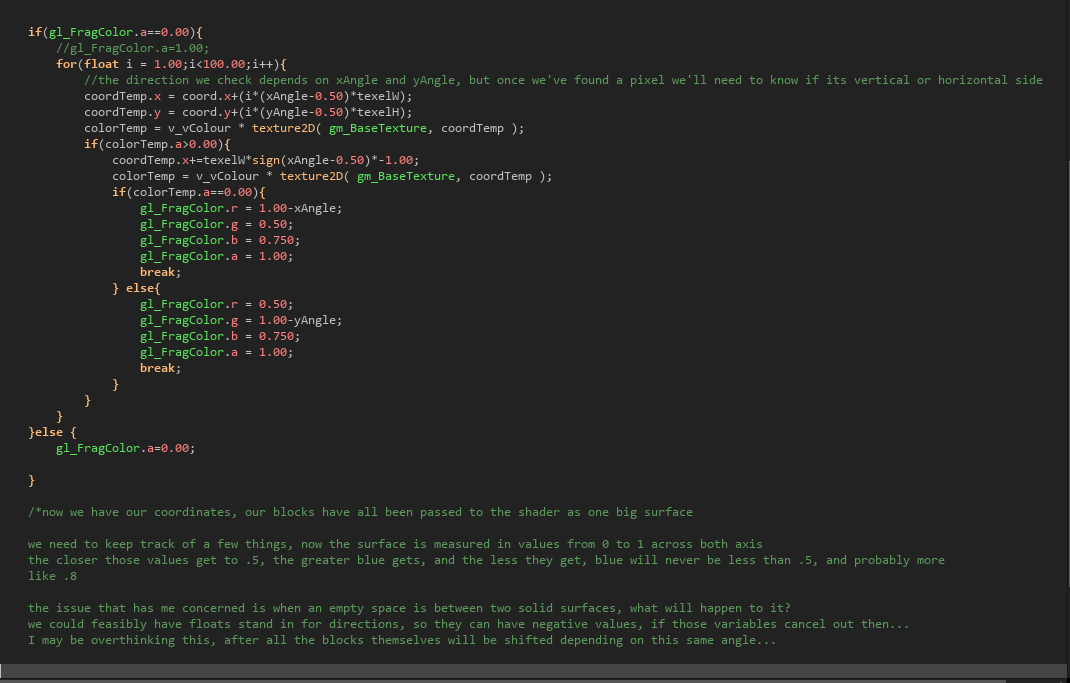
And here is where the magic happens, so far: 


pixels check if, based on their location relative to the center of the surface, if they're on the right, they're facing left, or vice versa, same as up and down, and creating a slant of normal map values to color the surrounding pixels relative to the camera's view to create the illusion of true depth!

(1 edit)

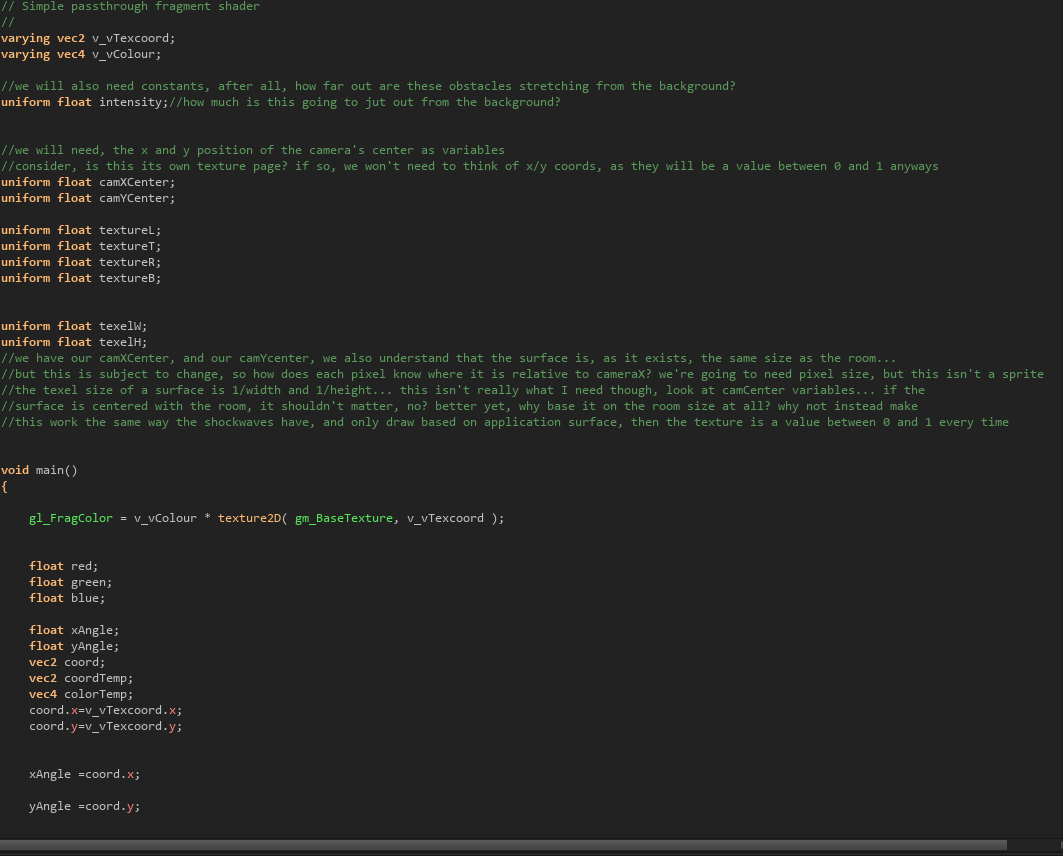
first part of the shader, a lot of values loaded in, but just texelH, texelW, and intensity do anything right now. the values are passed into

coord.x and coord.y, initially xAngle and yAngle were modified , now they just feel redundant... 

the last value loaded into the shader is important, it determines what the texel size is (that's a texture pixel, since shaders don't know what pixel size is, and operate on decimal values.) 


a specific type of object meant to act as a hard surface is drawn across the surface,  adjusted to align with where the camera is.

the surface is then expanded on the second surface and run through a shader, with several values being loaded.


two surfaces are drawn, the size of the camera, then explaned by 20%

values are collected and used to create values that adjust based on the location, speed, and size of the camera, as it shifts.

(1 edit)

below are each of the events as well as a short step by step explanation of the process so far.

whenever a room with a solid surface is loaded, a global object creates this object_TDS (three dimensional system). It sets itself above every other object in the room and then calls for a lot of different values but the most important ones right now are shader_TDBlock, the surfaces, and intensity. 

beneath that wOff and everything beneath it is also important for the processing, image shifting and such.

(1 edit)

I've become determined to do something I haven't been able to find a guide for or a free plugin for myself, in an attempt to make my game pop. I'll be posting my progress here both to chronicle my developments, as well as possibly help anyone else who maybe wants to achieve a similar effect to really boost the production quality of their game maker game without demanding a lot of processing power. Shader powered graphics through normal maps generated by drawing solid objects onto a surface that surface then manipulated, drawn into a shader that creates a normal map to pull from the object's texture to make it appear as though its bending out from the background... 

I will post pictures shortly.

small update today, in response to some feedback, and several bug patches, jumps are now a little slower and gravity a little lighter, turning in mid-air is a little easier as well.

Level design has been shifted in all 4 chapter 1 levels to make them easier to navigate:

Wider platforms with steps leading up, to more easily scale levels

thin platforms that you can jump up through scattered throughout the levels to make jumps less demanding.
That's all for now, thank you all so much !

I appreciate your review. And yes, there is some dissonance between the rules imposed by the setting and the gameplay itself, this is deliberate, but admittedly confusing a lot of the time.

I was asking if you could prove that you actually played it, by showing me the bug, and instead you vanished.

please disclose that in advance on the front page

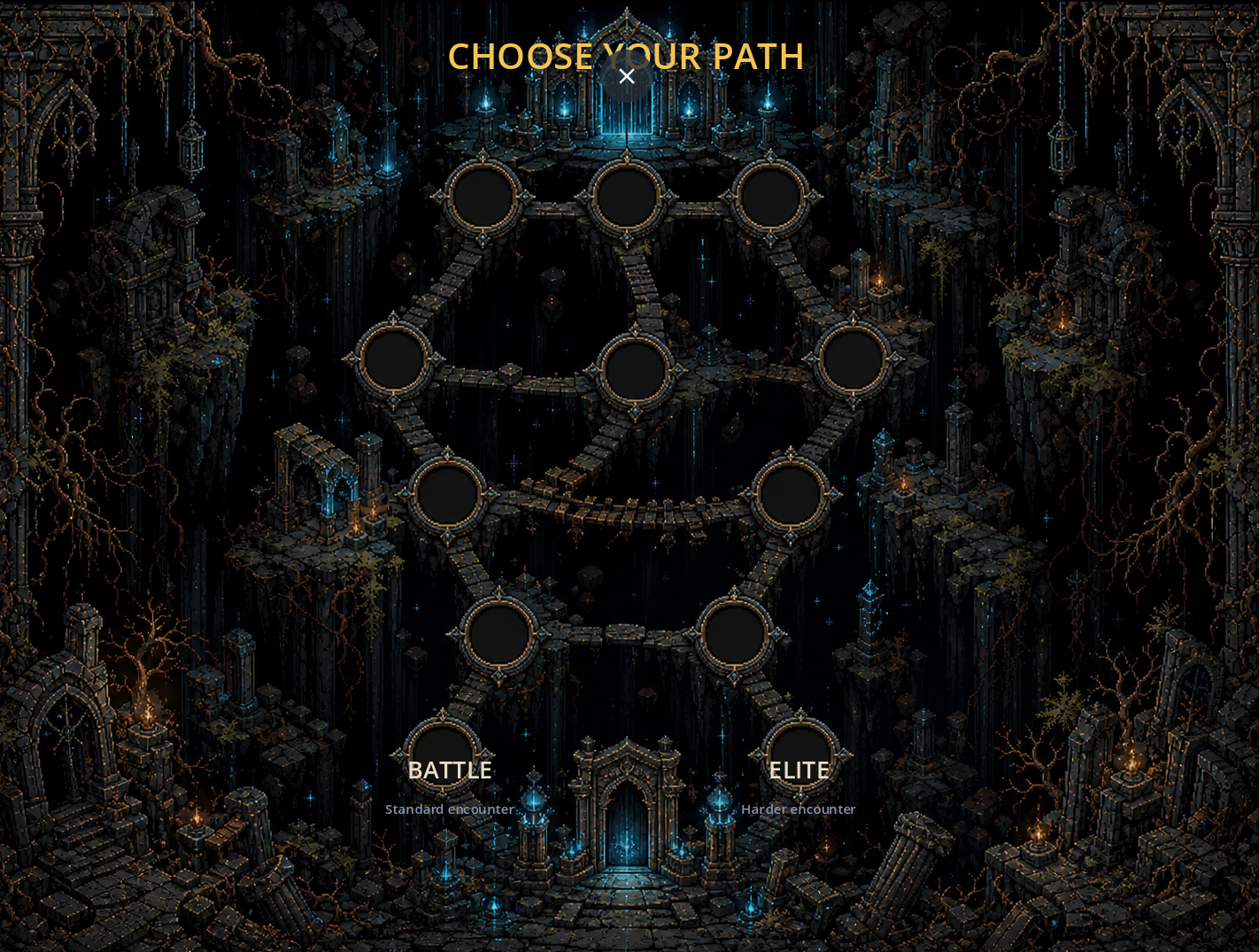
The art style is very strong here, did you hand draw the layout? Its very reminiscent of some older PC adventure games. Each sprite is meticulously drawn in a minimalist style, giving it a mix of dark fantasy with a slightly cute aesthetic (especially on the mage on the left). The game's inherent cycle is rather intuitive, the player isn't given too many options from the start. 


There's a typo in the English version right here, "standard" should be "discard"

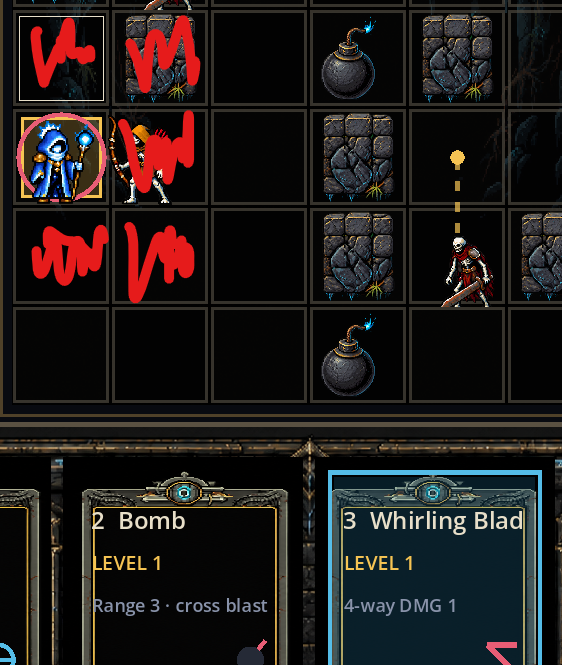
Feedback on some things is a little unclear. I think I leveled up at one point? I didn't see anything change from it.  Spells show all the areas they can be fired at, this is helpful, but I wasn't always clear what the damage area of a spell would be. Although I think showing a damage field for the spell's after effect would be helpful. Here's a picture:
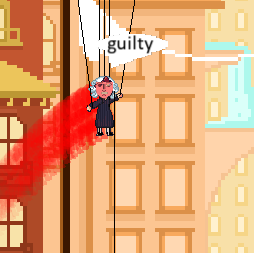
 

the red drawn in represents a visual effect that would be helpful to communicate the area of the attack

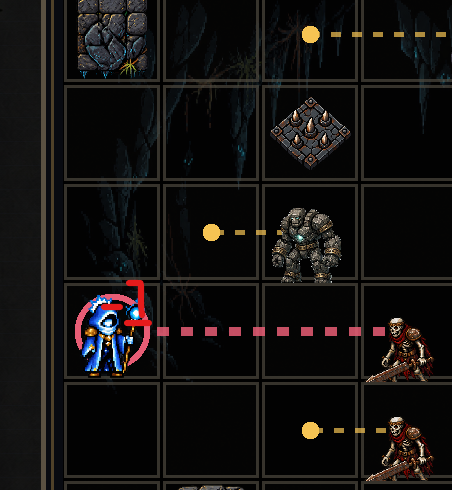
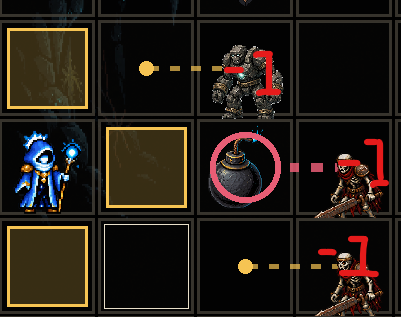
It'd also be cool if we saw how much damage targets were taking something like:


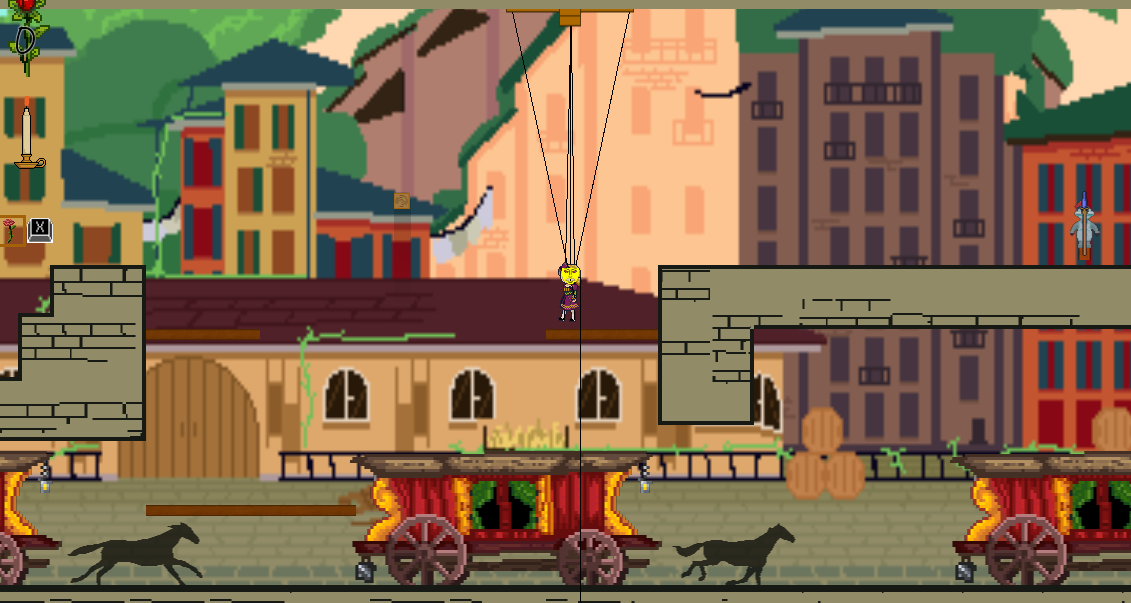
the backdrops you've drawn here are jaw dropping, very intricate I'm almost kinda sad you don't put some of the best upfront, what we saw early on is good, but...

I mean, for anyone else seeing this, just look at how gorgeous this is:

Did an elite run, then it seems the game loops after that

Overall, solid setup, decently fun and intuitive combat loop, that could use more clear feedback, but has a gorgeous backdrop. 

bro, read the replies how do you think that defends you?!

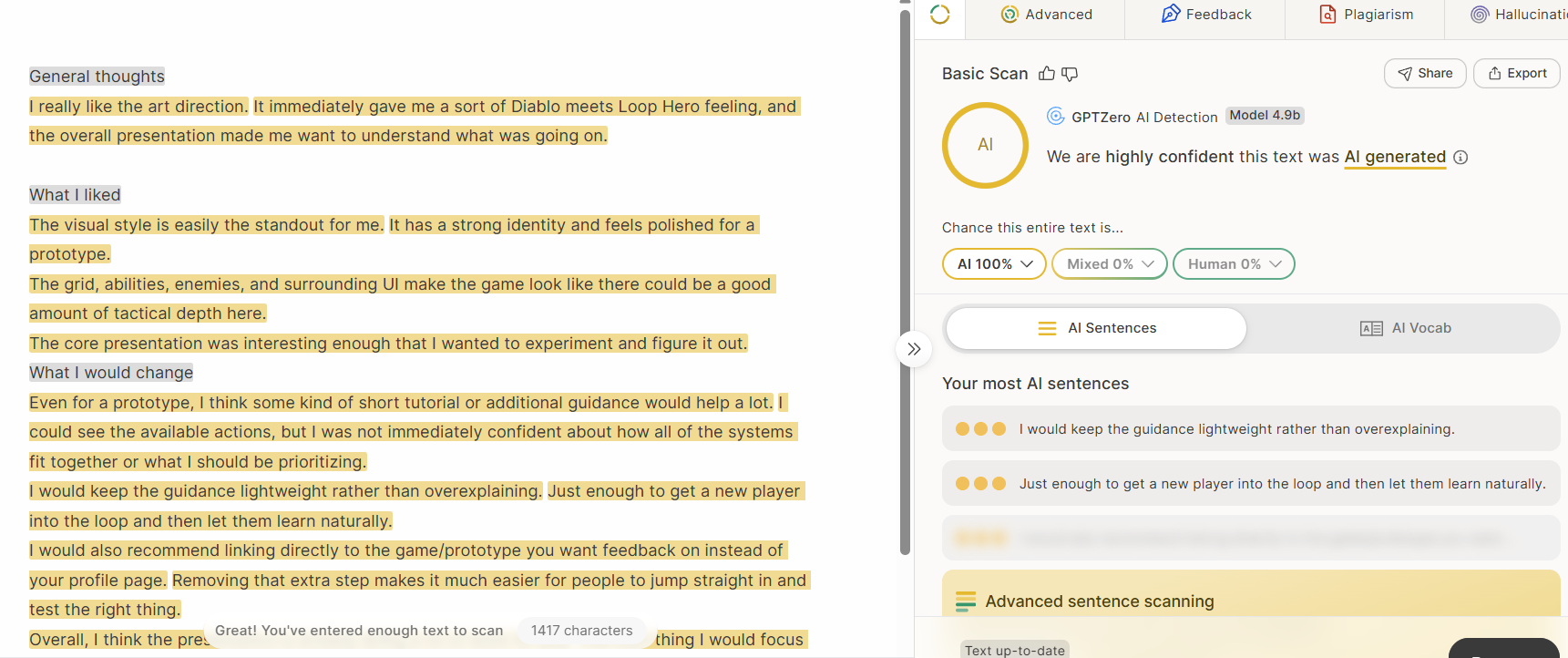
their review is ai, if you want i'll review your game though..


itch page is now running smoothly, at least on my end.

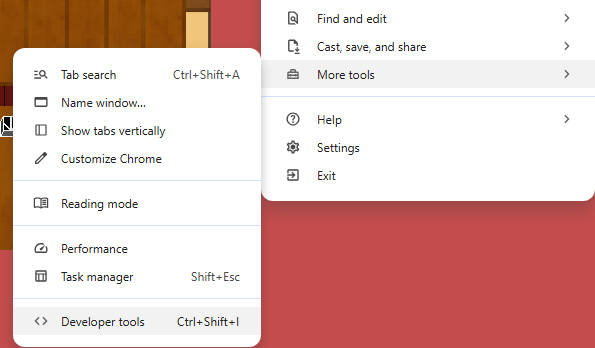
I see what you mean about the lag, it seems there's a stutter on the itch version again... I think that might just be outside my control, as it changes from day to day, I think I'll link the Newgrounds version on here from now on... much more stable. And fair point about transitions between scenes, the animations probably should be a bit faster, and flashier. I wasn't able to recreate the crash, but it might be due to a very subtle bug, could you send me a screenshot of the developer's console? It would really help me out:

let me boot it up on my windows 11 chrome  and see if I can recreate the crash.

Can you provide an example of when it felt unclear what you were supposed to do in the game? Moments when the UI were was sluggish? Or perhaps when the masks didn't feel meaningfully different? I'm having trouble finding any direction and some specifics would be very helpful.

...Did you get an AI to write your review?

(1 edit)

a lot of little things this time, but the main features are:

full cutscene fast forward is now optional by holding down the mask_swap key:


speaking of keys, keys are now scattered through each level, collecting them will unlock the bonus stage doors


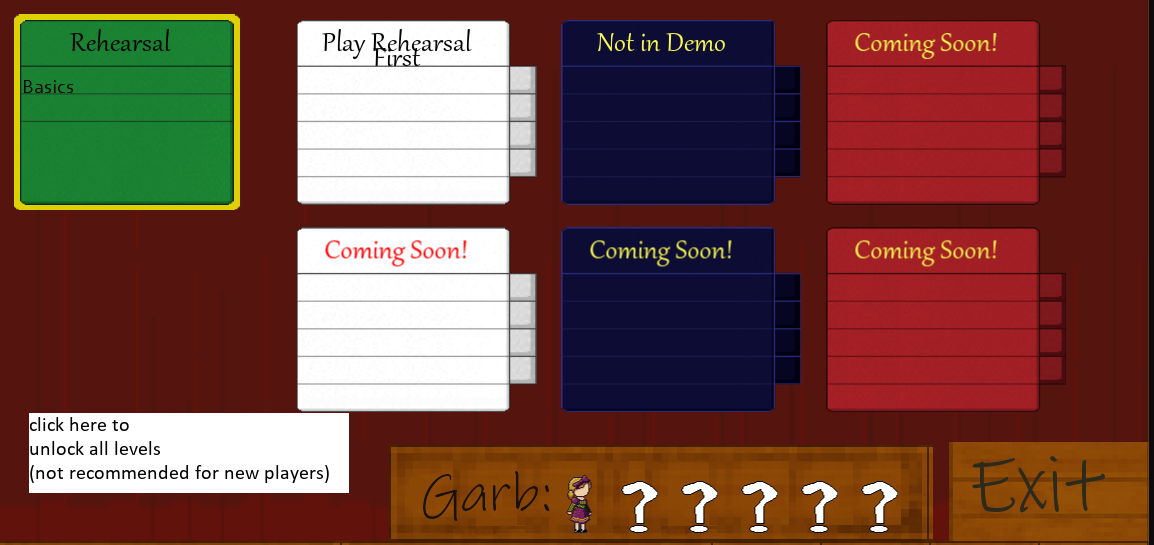
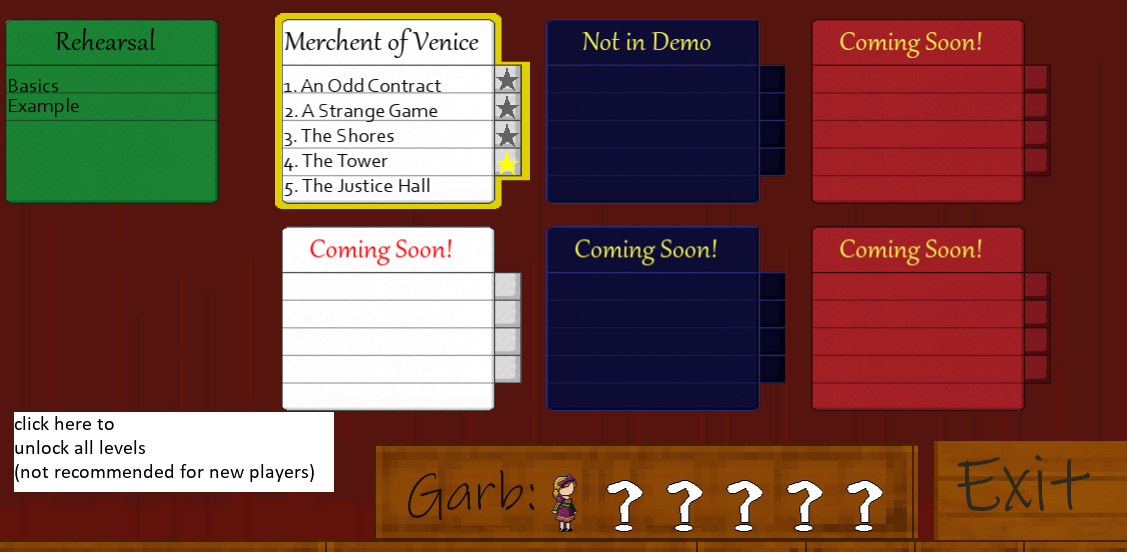
MASSIVE overhall on the UI level select especially is much MUCH more user friendly.

A few big changes this morning. but first... 


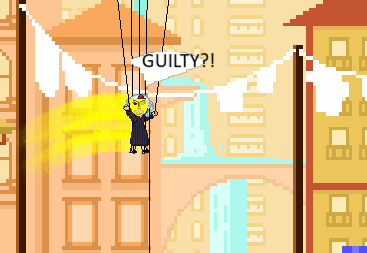
All masks now provide a particle trail when launched, using a rudimentary self made particle system. 


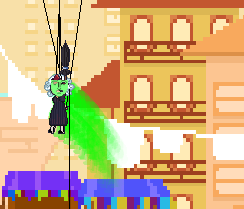
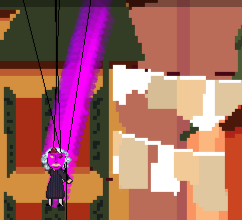
Small thing today, but Sorrow now has a much better particle stream coming off of it, this was made to address issues some had with following sorrow at higher speeds:

And for the fun of it, the trail of sprites that come off of Mary while doing the sorrow fall will match her mask color!


well thank you, I'm glad you liked it :)

hey man, no worries, I would only feel comfortable playing games you actually made, anyway.

*graphical update + bug fixes* 

asset layers are no longer loaded statically, but instead run through an object that manages them, allowing them to be passed through shaders and avoid any ugly pixel bleeding. in the future this will allow for all kinds of effects on foreground/background objects with very little effort.
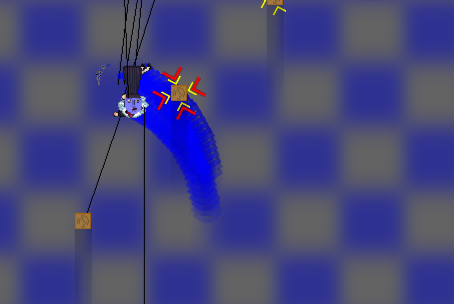
Ironed out several small bugs exclusive to browser version, removed features that don't make sense in a browser as well.