

Hey folks!
Another Glyph Rift Playtest update is here! This one's small but mighty, continuing the quality-of-life improvements introduced in V0.12, with one particularly exciting addition!
Gamepad Support!
First and foremost, Glyph Rift now supports gamepad controls!
This is still a work in progress, but the game should now be fully playable using a controller rather than Mouse & Keyboard!
It's an exciting step towards making Glyph Rift more accessible to different playstyles, and I'd love to hear how the controls feel. If you're giving the game a go with a controller, please let me know about anything that feels awkward, unintuitive, or isn't working quite as expected.
New Controls Screen
Alongside gamepad support, I've added a Controls screen to the in-game menu, making it easier to see what does what!
This should also help players discover some of the handy combat shortcuts that might otherwise go unnoticed.
Target Selection Shortcuts
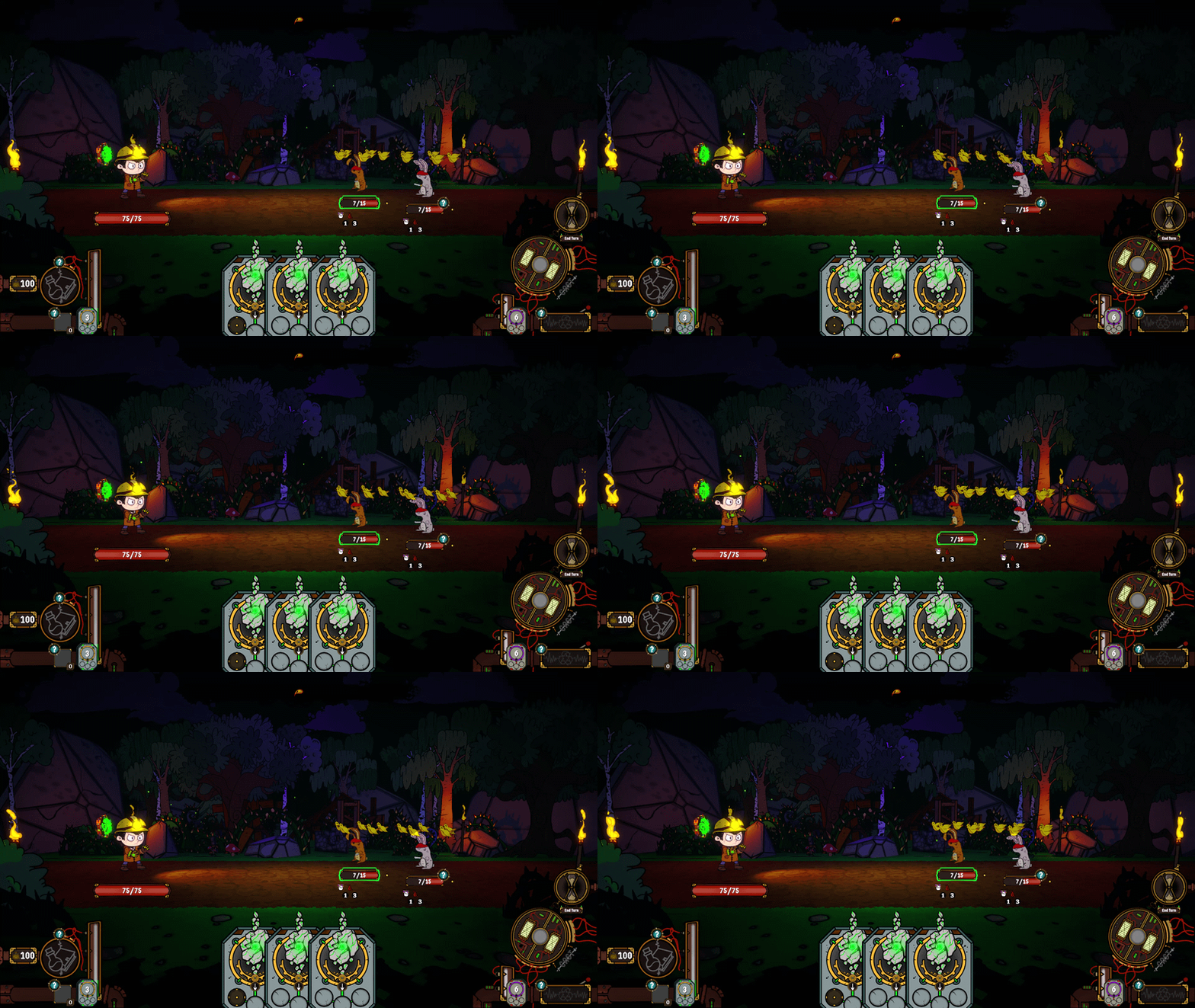
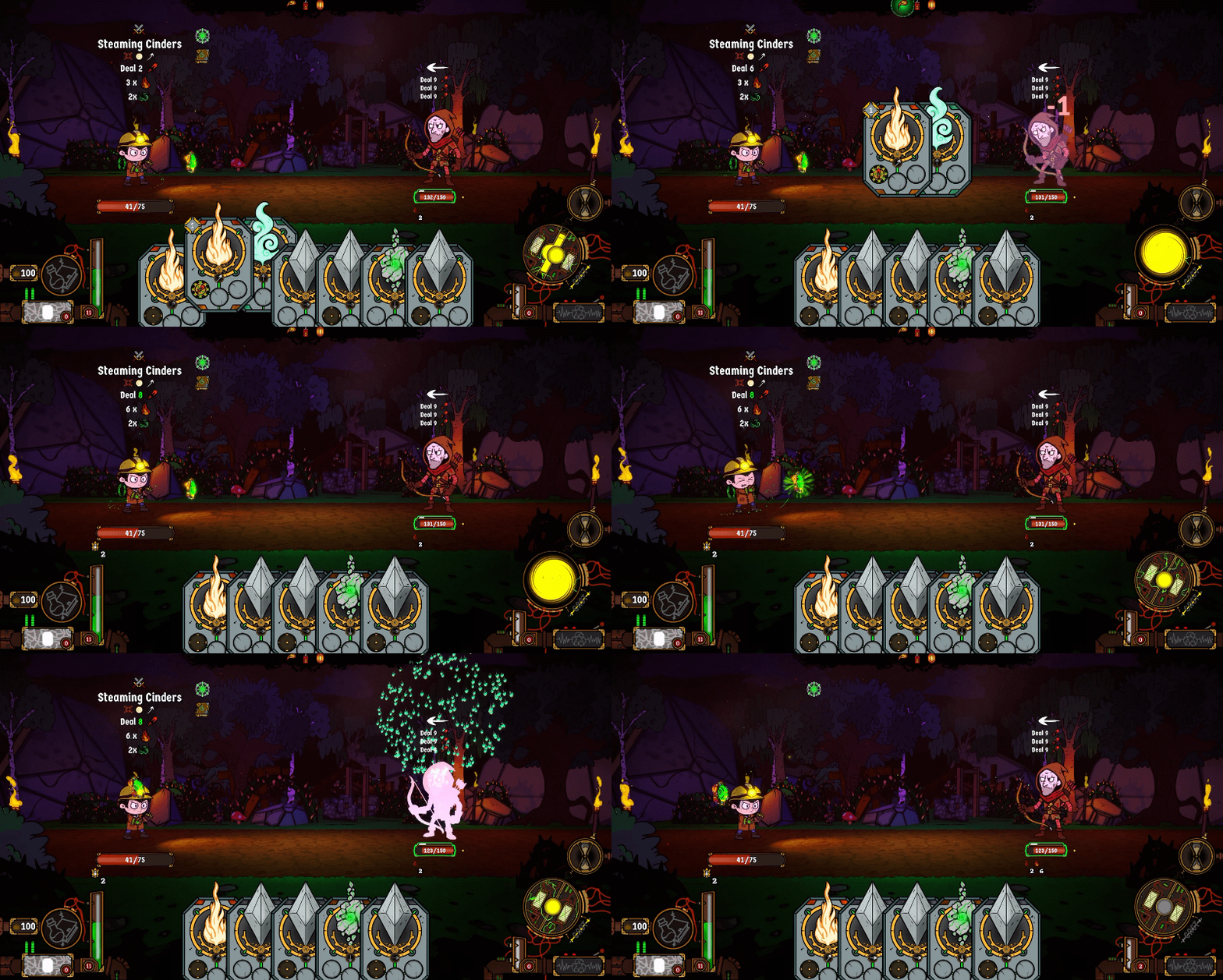
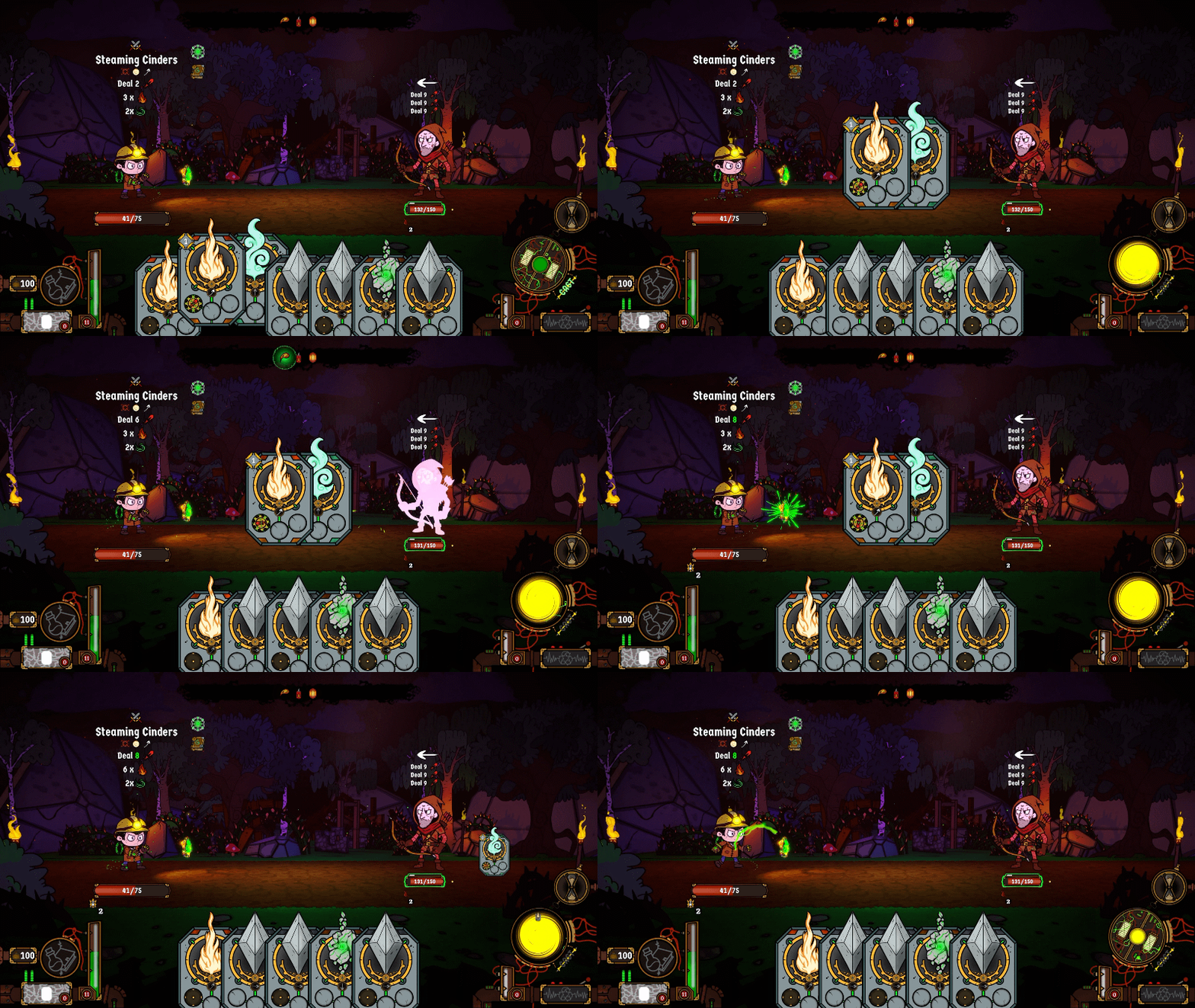
Speaking of shortcuts, I've added another quality-of-life improvement to combat!
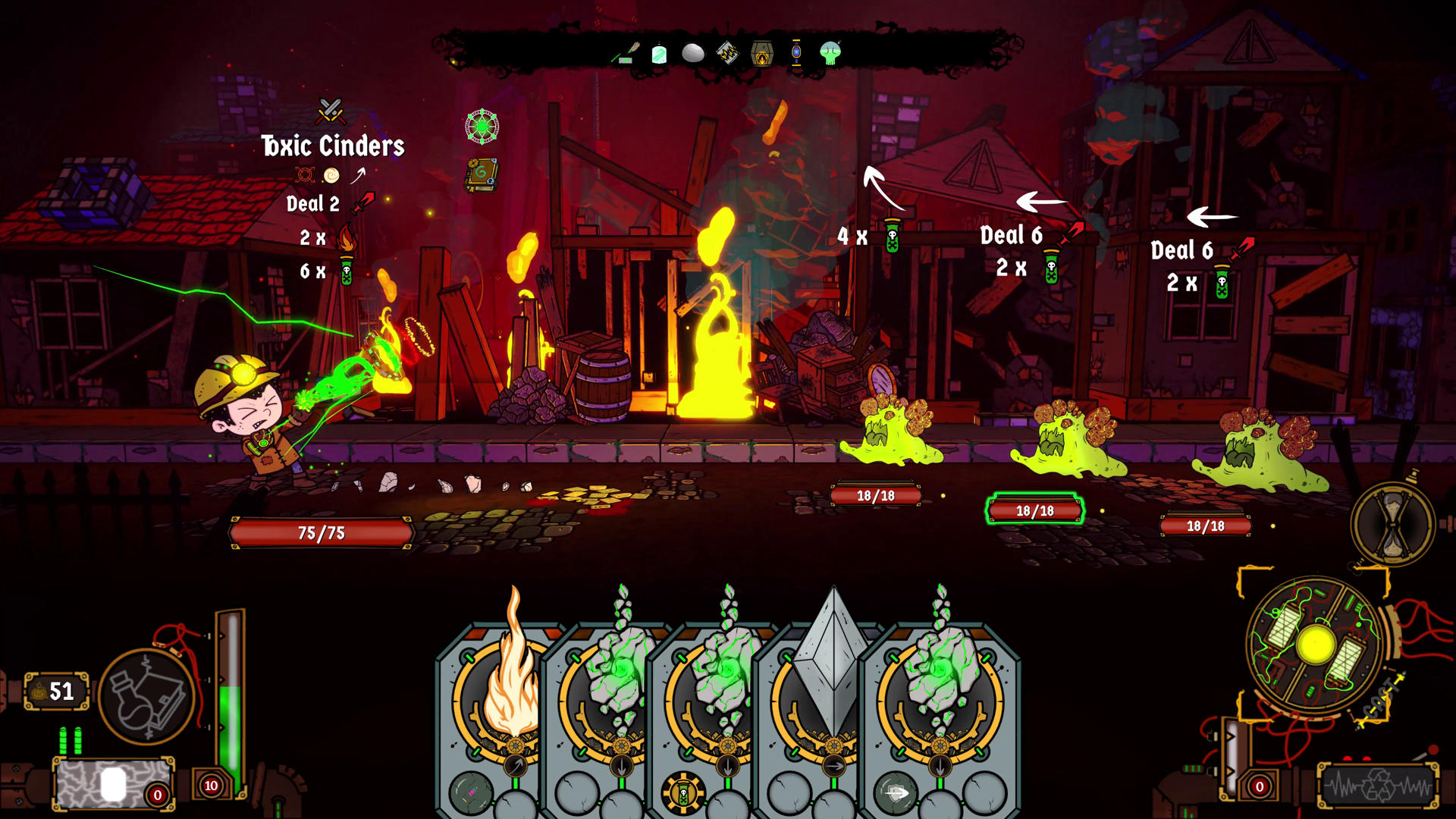
You can now cycle between enemy targets using:
- Mouse & Keyboard: Left Shift or Mouse Wheel
- Gamepad: Left Trigger
No more needing to manually click between enemies when lining up your next spell!
Visual Improvements
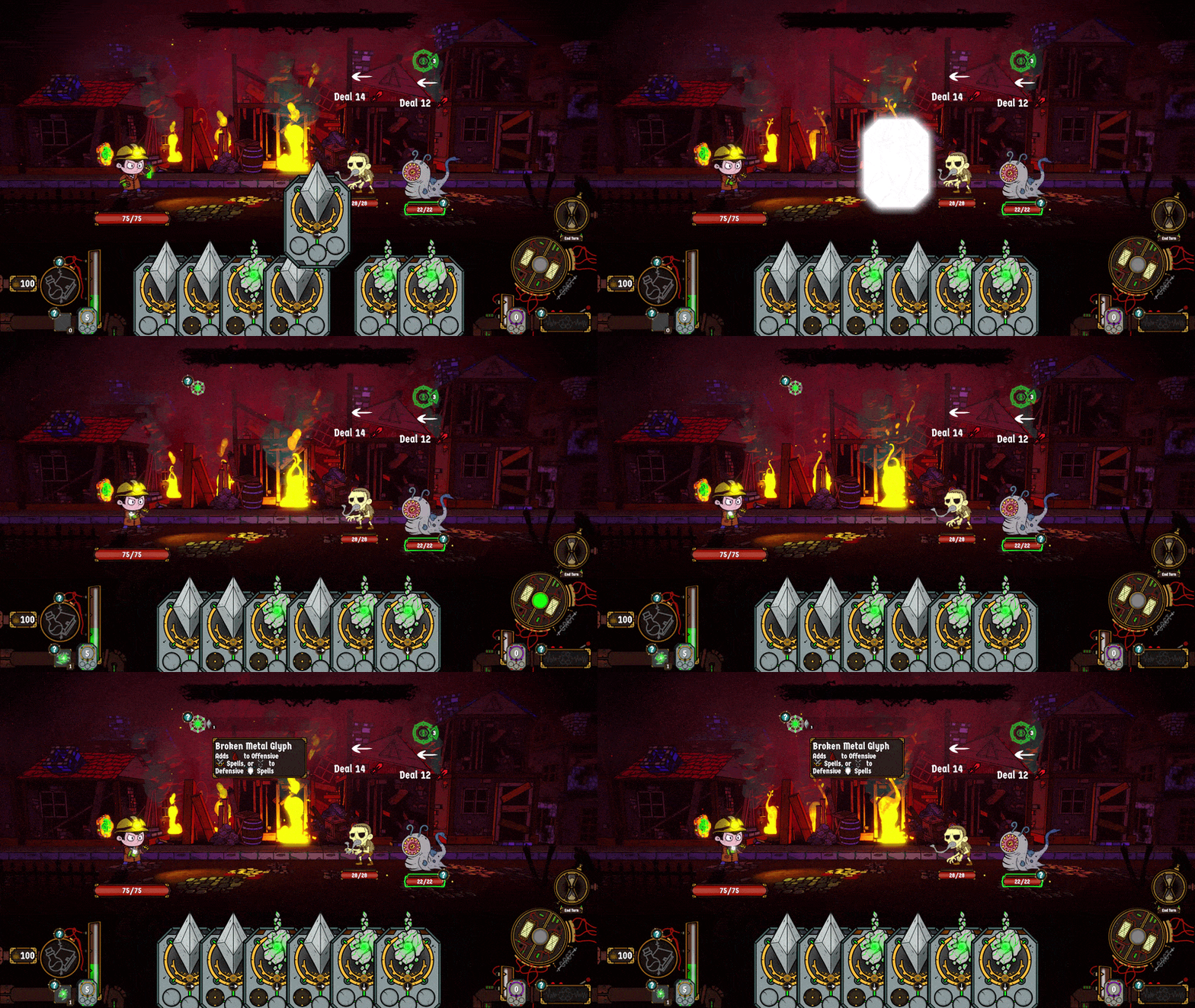
Finally, there are a few smaller visual tweaks, including revamped Glyph Runes that appear when breaking Glyphs.
These should add a little extra flair to combat while continuing to improve the visual feedback around the Card Break system.
Keep the Feedback Coming!
As always, your feedback means the world to me as a solo developer!
Whether you're trying out the new gamepad controls, experimenting with combat shortcuts, or simply exploring Gravenlock, I'd love to hear your thoughts.
Every bit of feedback helps shape Glyph Rift, so please keep it coming!
Play the free Windows playtest here:
/__site/shotgoblin.itch.io/glyph-rift
Thanks again for all your support!
Nick