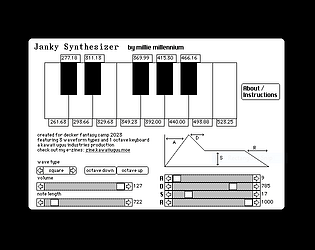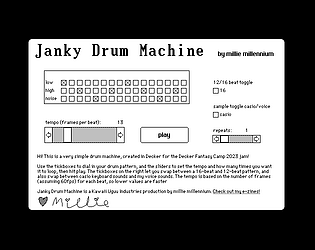

This is super pretty :3
Millie Squilly
Creator of
Recent community posts
Under the hood my template uses the same PDF module, it just does some layout stuff before exporting.
The card size I'm using is 512x362 for two side by side portrait A-shaped pages (which is essentially the same shape as one in landscape). As for whether that's A4, A5 etc that ultimately depends on what size you print at. US letter is a bit different since it doesn't keep the same ratio when folded in half though. But hopefully this helps somewhat.
So, first thing is referring to widgets on another card. This is easy, for a canvas named canvas1 on a card named card1 it's just card1.widgets.canvas1 (although if you have spaces in the names it is a bit messier)
The second issue might be that from my understanding, flipbook is designed for having all the frames in one image together, rather than split across multiple canvases. So you may need to rearrange how you've got the frames, i.e. combine them all into a single canvas rather than each in their own widget.
I've been plugging away at my script and corresponding art at what I hope is a fairly steady pace. It all seems to make sense in my head and the structure is relatively simple, so coding-wise I'm fairly unconcerned. I've got a bunch of time next month where I'll be able to devote more time to it if needs be, so should be on track to finishing on time.
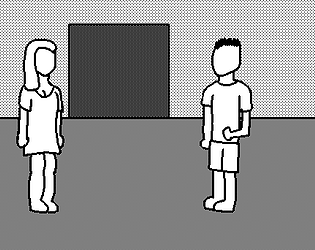
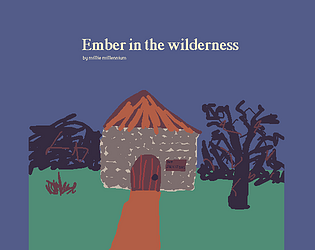
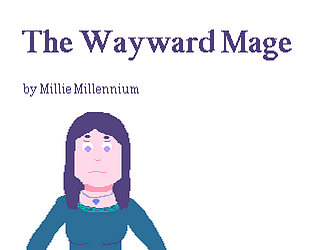
But anyway here's a preview of some art

Normally the way I set up a style to reference in multiple places I'll just put it in the deck level script. Then it's in scope for wherever I'm referencing it in code. Depending on what you're doing, it could make more sense for the card level script, it's up to you
As an example, here's something I grabbed from an old project - this is just in the top level deck script, not inside any "on such and such do" events.
ddstyle:() ddstyle.fcolor:colors.black ddstyle.bcolor:colors.white ddstyle.speed:3 ddstyle.border:deck.contraptions.border ddstyle.next:image["%%IMG2AAgABwACAQYAAQEBJAUBAiQGAQIkBgECJAYBAiQFAQEAAQEGAAI="] ddstyle.nextd:20
And then I can just call like dd.open[deck ddstyle] from anywhere.
I'm guessing the grid isn't working for you is because it's passing in like a string containing the text "deck.contraptions.bracket" instead of a reference to the actual bracket contraption.
In order to put text on your card, you'll need to add a Field widget.
Switch to widget mode with Tool->Widgets
Then create a field with Widgets->New Field
The field widget will appear and you can position and resize it as needed
To type text in it, double-click it and type into the Text section of the properties box. Alternatively, if you switch back to Interact mode (Tool->Interact) you can just click in it and type.
(As a final tip, if you're looking at releasing a deck for others to use, you may want to "lock" the field to stop the text from being editable in interact mode. You can do this by selecting Widgets->Locked from widget mode with the field selected)
I hope this makes sense, let me know if anything doesn't though!
So, short version is that if there's anything you need to store outside an individual function call in Decker, the intended solution is to store it in a widget, on a card. Values of variables otherwise don't persist outside the specific piece of code that you're running at the time.
Let's say if you need to store a string named "mystring", you'll probably want to make a field widget to store it in, let's say it's called field1. Then in your code you can just store it like this
field1.text:mystring
And you can then access field1 from any other bit of code on the same card and retrieve the string from field1.text. And if you don't want the user messing with it at runtime, you can "lock" the widget or set its view attribute to "none" to hide it.
If your widget is on a different card, that's no problem either. I find it can work to have an inaccessible "utility" type card for holding onto variables. Let's say if I have field1 on a card named "myvars" for example, I can refer to it like this
myvars.widgets.field1.text
If you're storing values other than strings, in theory pretty much every Decker datatype can be serialised into a string but it might make more sense to use other methods for different data, depending on what you want to do. There's a bit of information in Phinxel's Field Notes, in the Lil section on the "Storing Information" page that might come in handy here.
It sounds like you've tried something like this but run into some issues, maybe you could go into details? In theory even if you're doing something "wrong" Decker shouldn't be hard-crashing so if you've got some examples of that then that could be handy in case there's a bug.
If you want to have a global constant though, that's a bit of an easier matter. You can at the top of a widget script, or a card script or the deck script, predefine the values of variables to essentially use them like global constants. Something like this
magicnum:1234 mystring:"Hello, World!"
I hope this makes sense but let me know if you need more explanation.
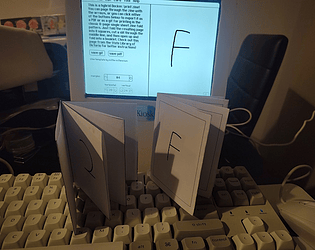
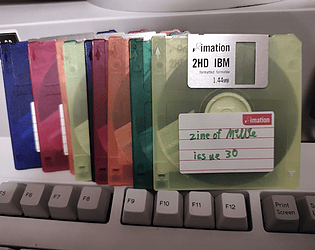
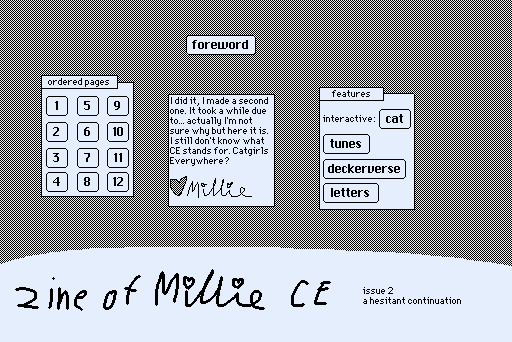
It has AGAIN been a fair gap but I am still making these. zine of Millie CE issue 2 is out now! https://zine.milliesquilly.com/ce/ce2.html
I managed another janky instrument (kinda smooshed the previous two together haha). Janky Samplemin.