
On Sale: GamesAssetsToolsTabletopComics
Indie game storeFree gamesFun gamesHorror games
Game developmentAssetsComics
SalesBundles
Jobs
TagsGame Engines

LilTib

14
Posts
10
Topics
2
Followers
A member registered Jun 06, 2022 · View creator page →

Creator of

Recent community posts

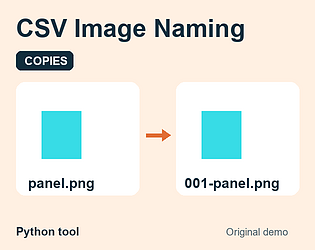
Have a list of new image filenames? My CSV Image File Renamer copies static PNG/JPEG files into a new folder using your exact CSV map, leaving the originals in place.

Review a dry-run, then apply that plan. Image bytes stay unchanged; the output includes forward/reverse maps, a hash manifest and ZIP. No resizing or format conversion.

The $2 download includes Python source, setup instructions and an original three-file example. Python 3.10+ and Pillow are required. One flat folder, up to 100 images; every image needs a mapping.

/__site/liltib.itch.io/mapped-image-file-copy

AI assisted the code and this post.
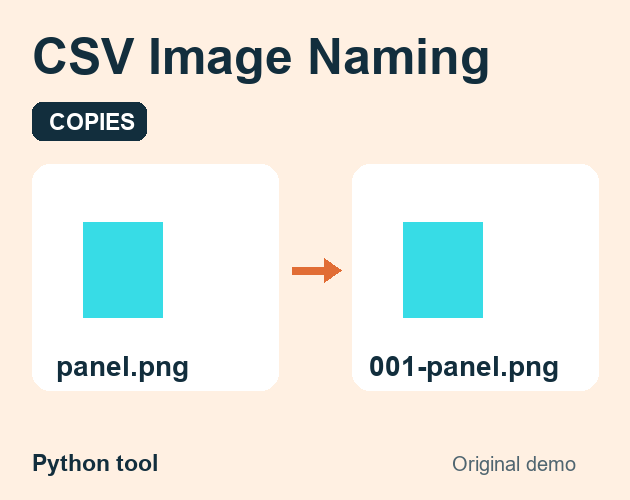
Original demonstration: panel.png copied to 001-panel.png using a CSV map; identical image bytes. Diagram, not an app screenshot or client work.

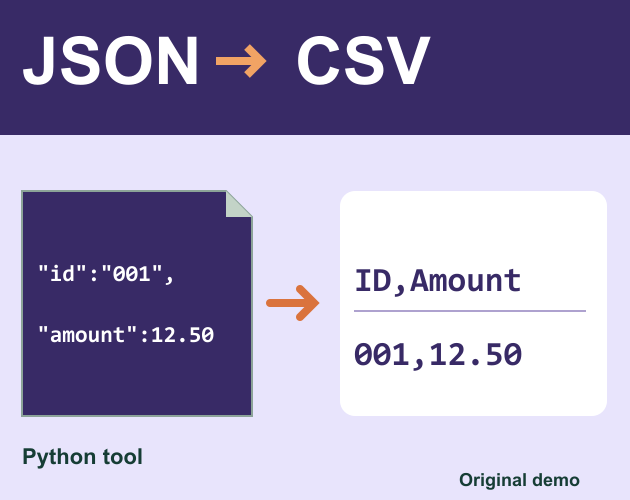
Need a CSV from a flat JSON export, with predictable headers and column order? I made a small local Python tool for that.

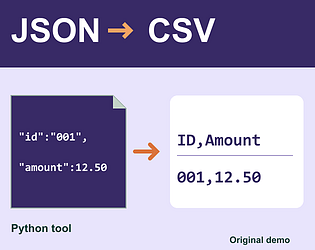
You declare every field, its CSV header and its type in a mapping file. The included original example keeps a leading-zero ID such as 001, decimal values, Unicode and quoted text in the resulting CSV bytes. It also produces a conversion report.

Python 3.10+ is required. This is command-line source with no extra packages, not a browser app. It supports one UTF-8 array of 1-500 flat records with the same 1-10 fields. Nested data and mismatched schemas are rejected. CSV does not retain JSON types or distinguish null from an empty string; spreadsheet programs may need ID columns imported as text.

Flat JSON to CSV is available for $2 USD or more, with source, the original example and expected output, mapping and setup instructions.

The image shows two fields projected from the original example, not a program screenshot. The full example and output contain all five mapped fields. I use AI-assisted scripting and check the original outputs; this post also used AI assistance.

My creator profile also lists separate image and PDF preparation services. They are not included with this download.

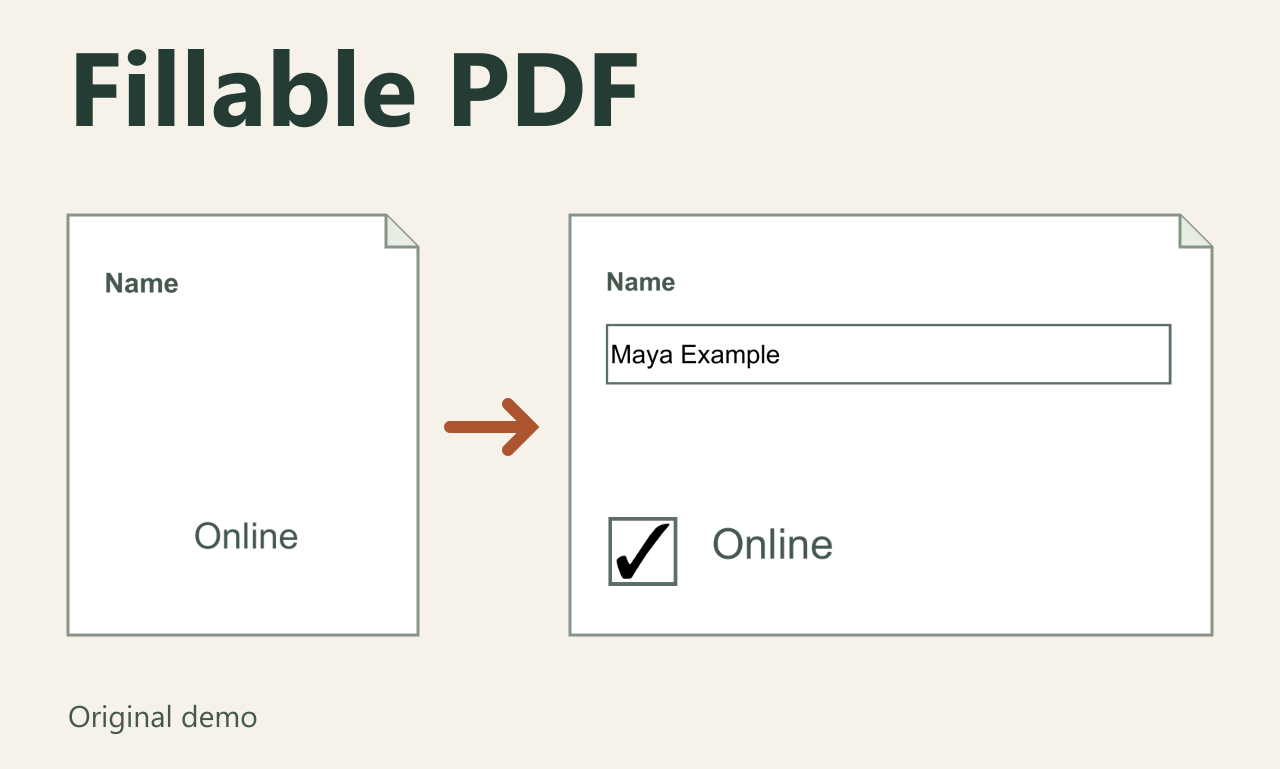
A small feedback PDF can look finished and still be awkward to fill in. Before sending one to playtesters, check it in the viewer they will use. The example image shows my original workshop worksheet example, not a player or client project.

1. Make a test copy

Enter representative dummy values in every text field and check that they fit. Single-line fields suit short answers; decide where longer feedback belongs before sharing the sheet. In my original example, seven single-line text fields and three independent checkboxes were tested in desktop Adobe Acrobat Pro DC 2019.008.20071.

2. Follow the fields, then check the boxes

Use forward Tab to move between fields. Toggle each checkbox and inspect its state. Independent checkboxes allow more than one choice; they are not a single-choice group. Check the order as well as the appearance.

3. Save, close and reopen

Save to a new filename, close the document and open that saved copy. Check every value and checkbox again. A form that looks filled on screen is not enough if the saved file loses the entries.

The original sample passed typing, forward Tab, checkbox toggling and save/reopen in that named desktop viewer. Other desktop, browser and mobile viewers need their own check. The example image is an illustration of the original sample, not a screenshot of the viewer or a downloadable playtest form.

4. Keep reference images separate

If you send screenshots or icons alongside the form, agree a canvas size for those separate images. Fitting the whole image with transparent padding keeps its edges; smaller images stay small. Keep the source files untouched and inspect the PNG results before sharing. This does not embed images in the PDF or remove opaque backgrounds.

Use dummy values for your tests and keep private records out of public replies. AI assisted the scripting and this article; I reviewed the results and original examples.

I released Batch PNG Padding for the small job of fitting mixed-size PNG/JPEG images onto one agreed canvas size without cutting off their edges.

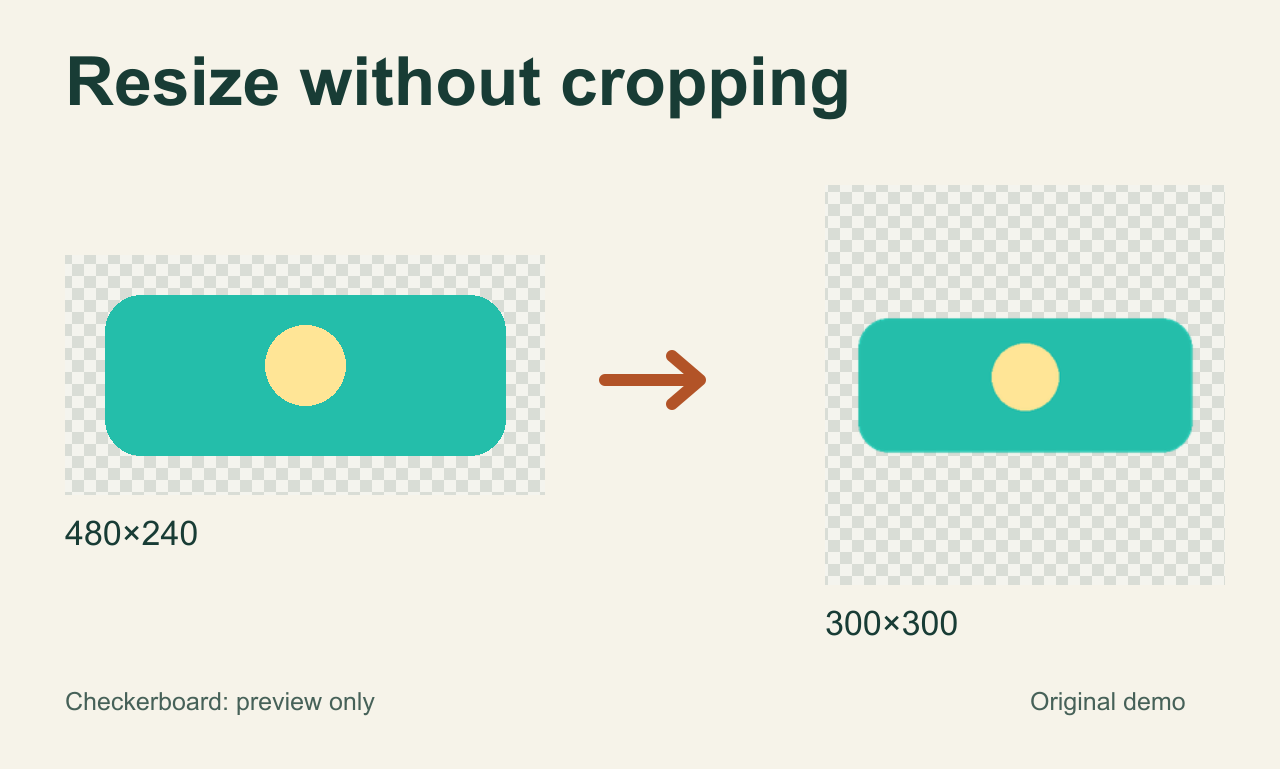
In the original example, a 480×240 banner becomes 300×150 content centered on a 300×300 transparent PNG canvas. Smaller images stay small. The checkerboard is a preview backdrop only.

Original wide banner fitted onto a square canvas without cropping.

The $2 tool download includes editable Python source, three original input examples, expected outputs, a dimensions report and setup instructions. Python 3.10+ and Pillow are required; it is a command-line tool, not a graphical app.

It handles 1–20 static PNG/JPEG files, each at most 2048 pixels per side and 16 MiB, with a target up to 2048 pixels per side. PNG outputs retain filename stems. No cropping, stretching, enlargement, background removal or print-color guarantee. Embedded ICC profiles, unsupported modes and duplicate output names reject. Original inputs remain unchanged. Code and this post use AI assistance, with reviewed outputs and original demonstrations.

For the exact example commands and what to check in the result, read the step-by-step guide.

If you prefer a prepared delivery, I also offer three separate Fiverr jobs: resize/pad up to 20 images ($10), split one sprite sheet into up to 16 named frames ($15), or add up to 10 text/checkbox fields to a one-page blank signup form ($15). Prices are before Fiverr buyer fees. These are separate services with agreed input limits; buying the tool is not required. Please message on the relevant gig before ordering, and keep private files out of public replies.

(2 edits)

Need your UI images to fit the same size without cropping? I can fit up to 20 static PNG or JPEG files onto one agreed canvas with transparent padding. Images can be reduced, but won't be enlarged. You'll get PNGs in a ZIP and a dimensions report.

It's $10 USD before Fiverr buyer fees, with two-day delivery and one correction within the same agreed settings. Send me the image count, target size and a non-sensitive sample on Fiverr before ordering so I can check the fit.

See the service and original example

Original wide image fitted onto a square PNG canvas with transparent padding, no cropping.

Original demo above. I use AI-assisted scripting and review the outputs. Client files are not sent to AI without permission.

(1 edit)

Have a one-page PDF people still print and fill by hand? I can add up to 10 fields total: single-line text boxes or independent checkboxes, keeping your existing layout.

It's $15 USD before Fiverr buyer fees, with two-day delivery and one placement correction. Message me on Fiverr with the blank PDF, marked field positions and intended viewer before ordering so I can check the fit.

See the service and original example

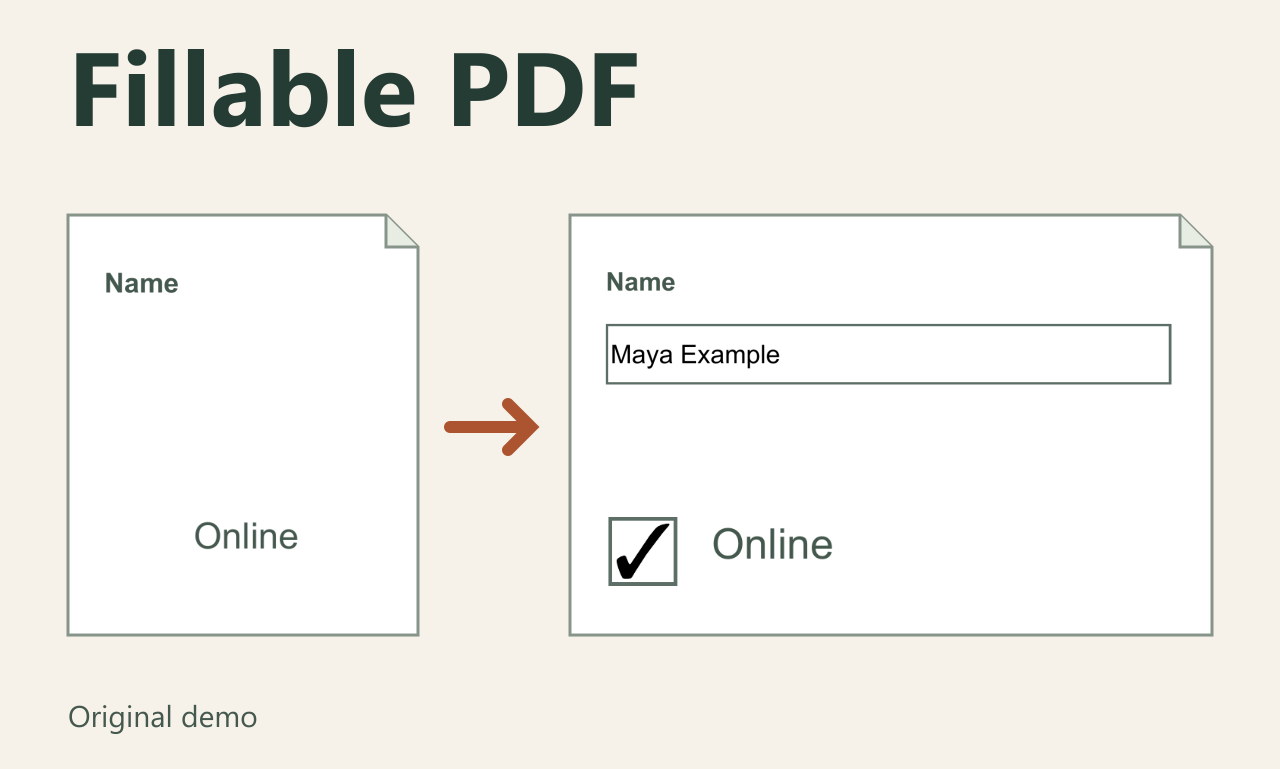
Original demo below, not client work. I use AI-assisted scripting and review the output. Client files are not sent to AI without permission.

Original PDF form before and after adding fillable fields.

Thanks for checking both the invalid crop and recovery, and for the AI-test disclosure. You’re right: edits to an existing frame only take effect after Apply edits. Preview atlas uses the last applied values. I’ve recorded an unapplied-edits notice to make that distinction clearer; it is not in the current build yet.

Thanks—those dimensions make the issue clear. The preview uses cells sized to the largest crop, with each frame at the top left. Changing the gap or columns requires another click on Preview atlas; the old image stays visible until then. A cell-size/gap label, visible cell boundaries and a stale-preview notice would make this easier to read. I’ve recorded those improvements; they are not released yet.

Thanks for the detailed test, and for disclosing the automated browser pass. The tiny sheet makes selecting a crop fiddly. I’ve recorded zoom and X/Y coordinates in the frame list as improvements; neither is in the current build yet.

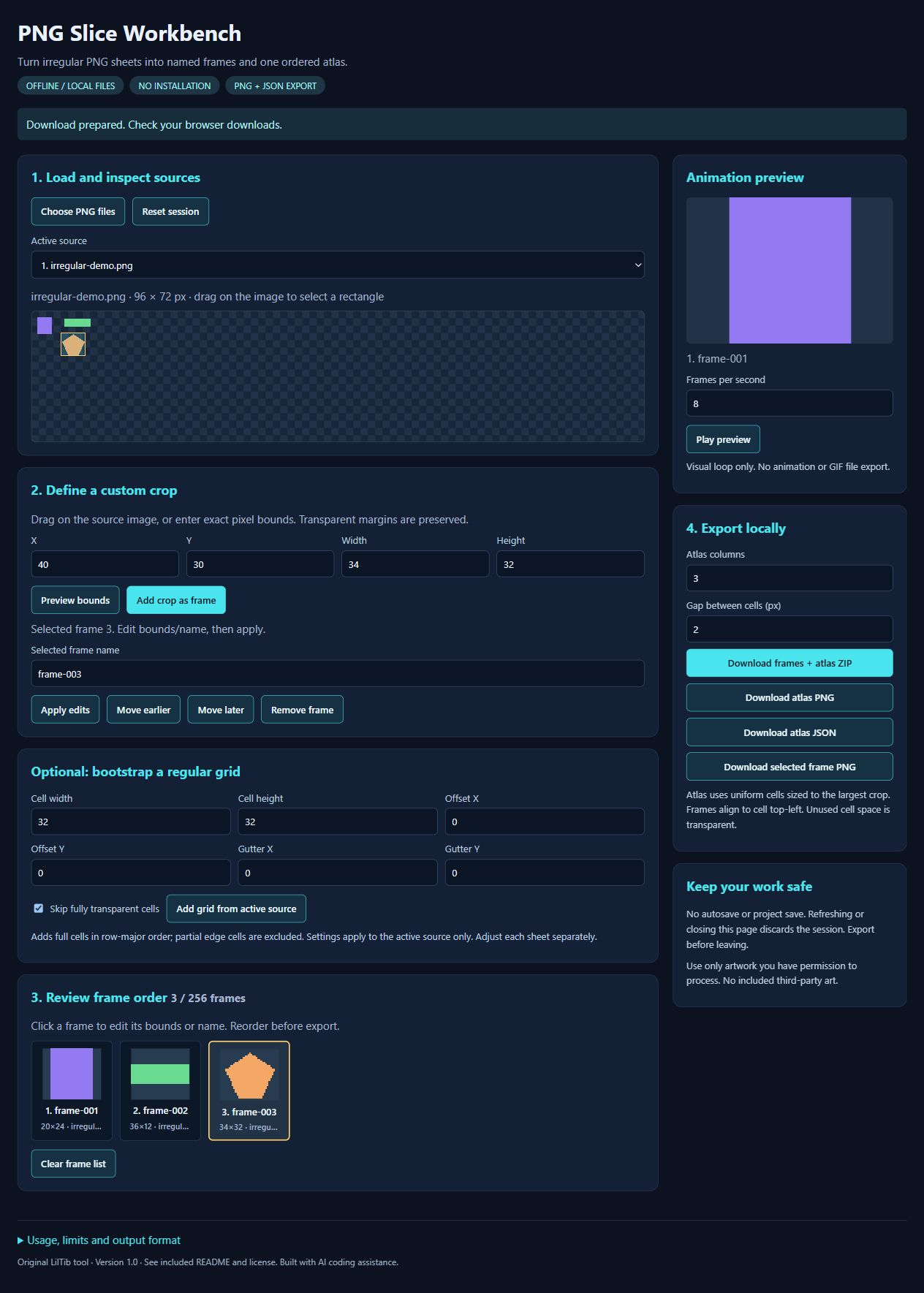
Have a sprite sheet whose frames don’t fit one grid? PNG Slice Workbench lets you choose each rectangle, refine its pixel bounds, name and order the frames, then download separate PNGs plus a uniform-cell atlas and coordinate JSON.

Try the free browser demo.

It uses the included sheets only; custom imports and exports are disabled. You can also inspect a free source-and-output example in the Download demo section.

For a quick test, select irregular-demo.png, draw a rectangle and click Add crop as frame, then refine numeric bounds and Apply edits.

The full local HTML download is $2.99 and accepts your PNGs. Atlas cells follow the largest crop with top-left alignment; no tight packing, engine importer or project save. Export before closing. Built with AI-assisted scripting and reviewed examples.

Actual full-tool interface using the original sample sheet:

PNG Slice Workbench showing three irregular sample crops, numeric bounds and frame ordering

Hi! I made a small tool for sprite sheets whose frames don't fit a regular grid. You can try its fixed-example demo directly here:

/__site/liltib.itch.io/png-slice-workbench

Two things I'd like feedback on:

1. Can you find how to draw a rectangle, add it as a frame and adjust its coordinates? Where do you get stuck?

2. When crops have different sizes, is the atlas preview clear about its uniform cells and top-left alignment?

The free demo uses only included sheets; custom imports and all exports are disabled. A paid full download exists, but no purchase is needed for this feedback. There is no project save, so refreshing resets the demo.

I used AI-assisted scripting and reviewed the results. Thanks for trying it.

(3 edits)

Have a sprite sheet but need separate named PNGs? I can cut one static PNG into up to 16 agreed rectangles. You'll get named PNGs, a uniform-cell atlas, generic JSON and a ZIP.

It's $15 USD before Fiverr buyer fees, with one-day delivery and one correction to bounds, names or order on the same sheet.

Message me on Fiverr with the sheet size, desired names and a separate marked-up reference or bounds before ordering.

See the service and original example

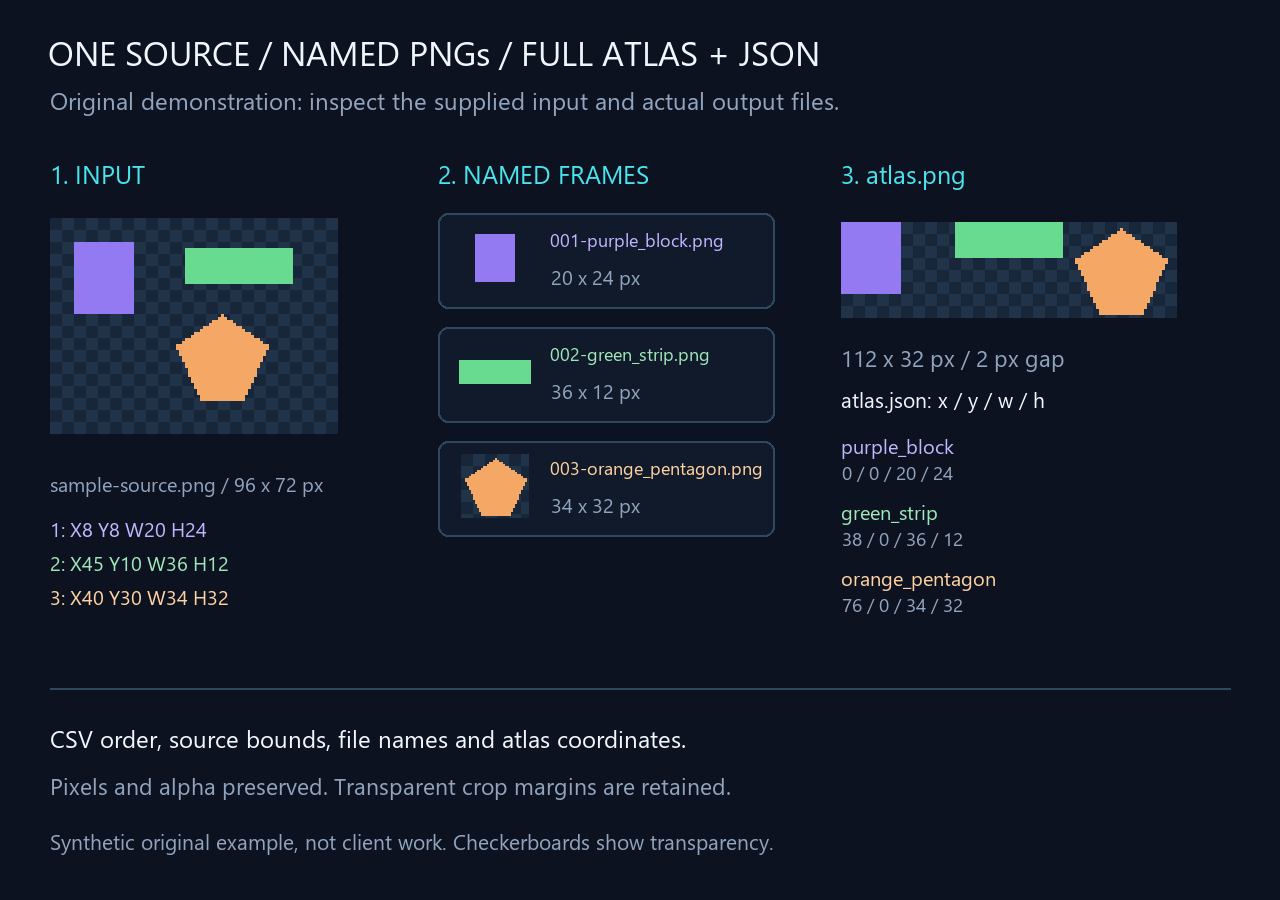
Original demo below. I use AI-assisted scripting and review the outputs. Opaque backgrounds remain; checkerboards are previews. Client files are not sent to AI without permission.

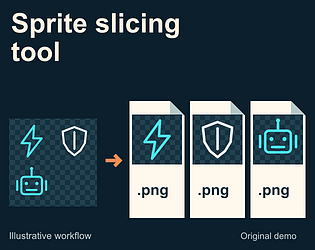
Original sprite slicing example: source sheet, three named frames and full atlas with coordinates

(1 edit)

Valentine, I’d start with the interaction that can cost a builder the most: accidentally deleting a block while switching tools. My proposed sketch would keep the active mode visible beside the aiming marker, require a deliberate switch into delete mode, and put an undo action within reach.

For choosing blocks, I’d use a temporary library drawer: selecting a block shows its weight, health and cost together, with a separate “Pin to hotbar” action. Buying or selling would require its own confirmation so a building click cannot also spend currency. These are design proposals to evaluate, not tested game behavior.

If you’re still commissioning sketches, I can offer one annotated desktop build-screen wireframe and a navigation diagram for $20, with one revision. The diagram would map inventory, shop, vehicle selection and research; separate detailed screens and Godot implementation are outside that quote. Which is the bigger problem in your current build: tool mistakes or finding the right block?

I use AI-assisted drafting and review the output; please flag any restrictions before we agree the work.

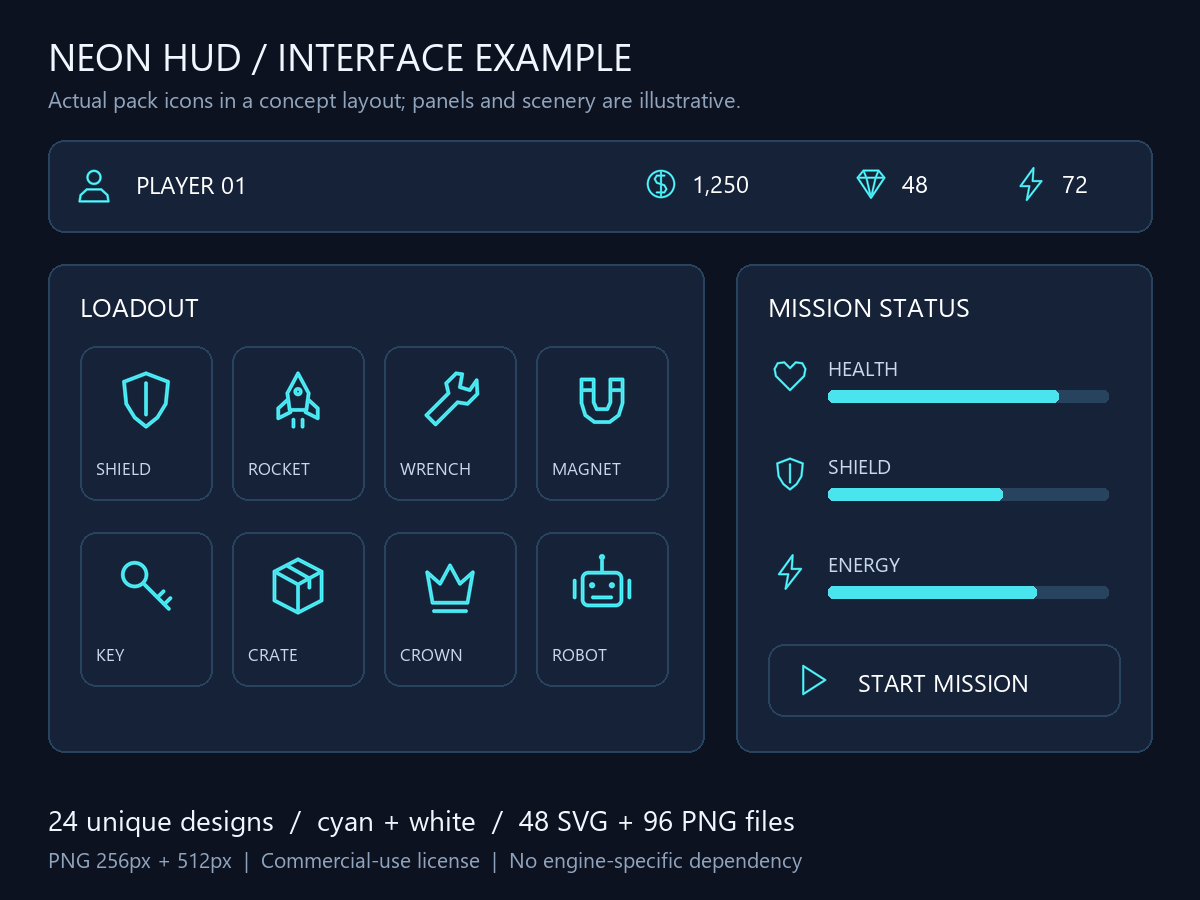
Hi everyone! Neon HUD Icons is now available: 24 geometric outline designs for menus, inventories, status displays and dashboards.

Project and free sample: /__site/liltib.itch.io/neon-hud-icons

The full pack is $4.99 USD. Every design comes in cyan and white: 48 editable SVG files plus 96 transparent PNG files at 256px and 512px. A README, reviewed category index and commercial-use license are included. Attribution is optional; standalone asset redistribution is not permitted.

The free sample includes coin, heart, shield and play in both colors, with the same commercial-use terms. You can inspect those files before purchasing.

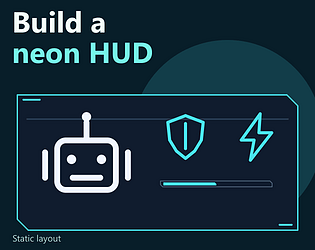
The preview below uses the actual icons in a concept interface. Panels and bars shown are illustrative and are not included. These are standard image files, not an engine project; they have not been tested in a specific engine.

Created from authored geometric shapes with software rendering and AI coding assistance; Jev assisted with the reviewed category index.

Which additional HUD icons would be most useful in your projects? Feedback is welcome.